This article demonstrates how to change your role view between Admin and Teacher.
1. Click on the user profile icon

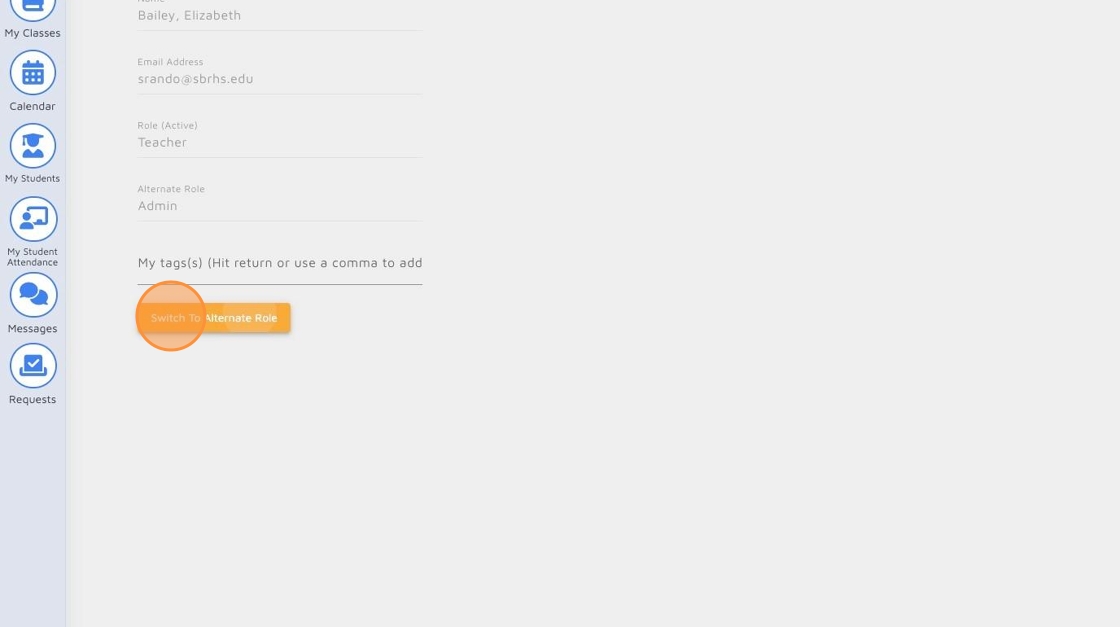
3. Click "Switch To Alternate Role"
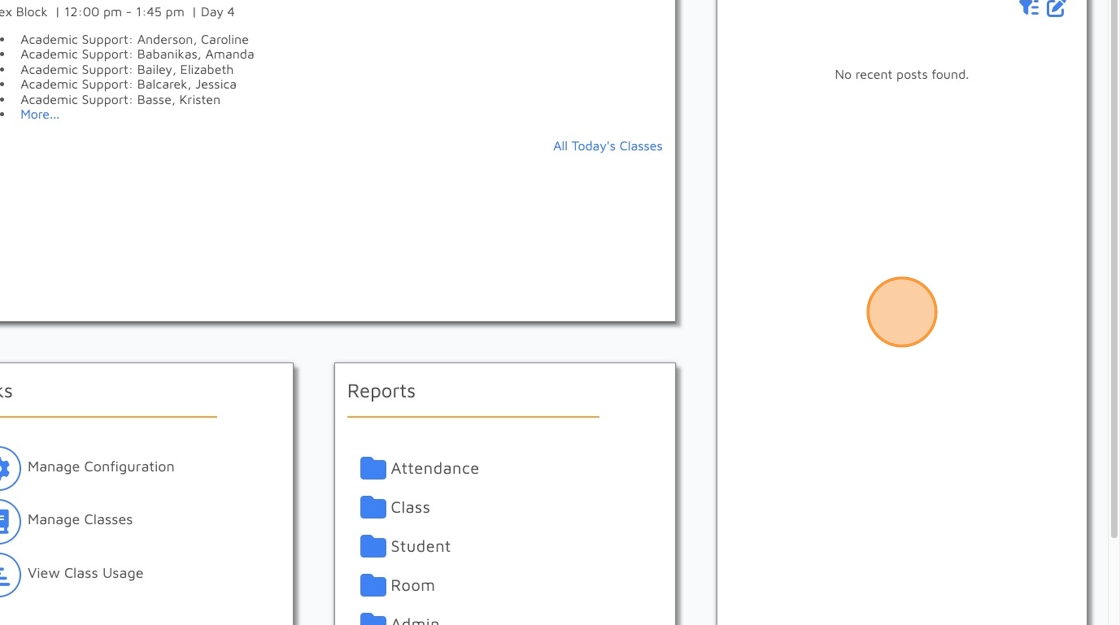
4. You are now viewing your alternate role
Here is a video of this functionality:

This article demonstrates how to change your role view between Admin and Teacher.
1. Click on the user profile icon
3. Click "Switch To Alternate Role"
4. You are now viewing your alternate role
Here is a video of this functionality:
Comments
0 comments
Article is closed for comments.