
Customer Support Information
How can we help?
Submit a support request via email
To send a support request to MyFlexLearning, simply email us at: support@myflexlearning.com
When you send us an email, our support system will automatically create a ticket and notify us immediately so we can respond to your support request as soon as possible.
Details to include: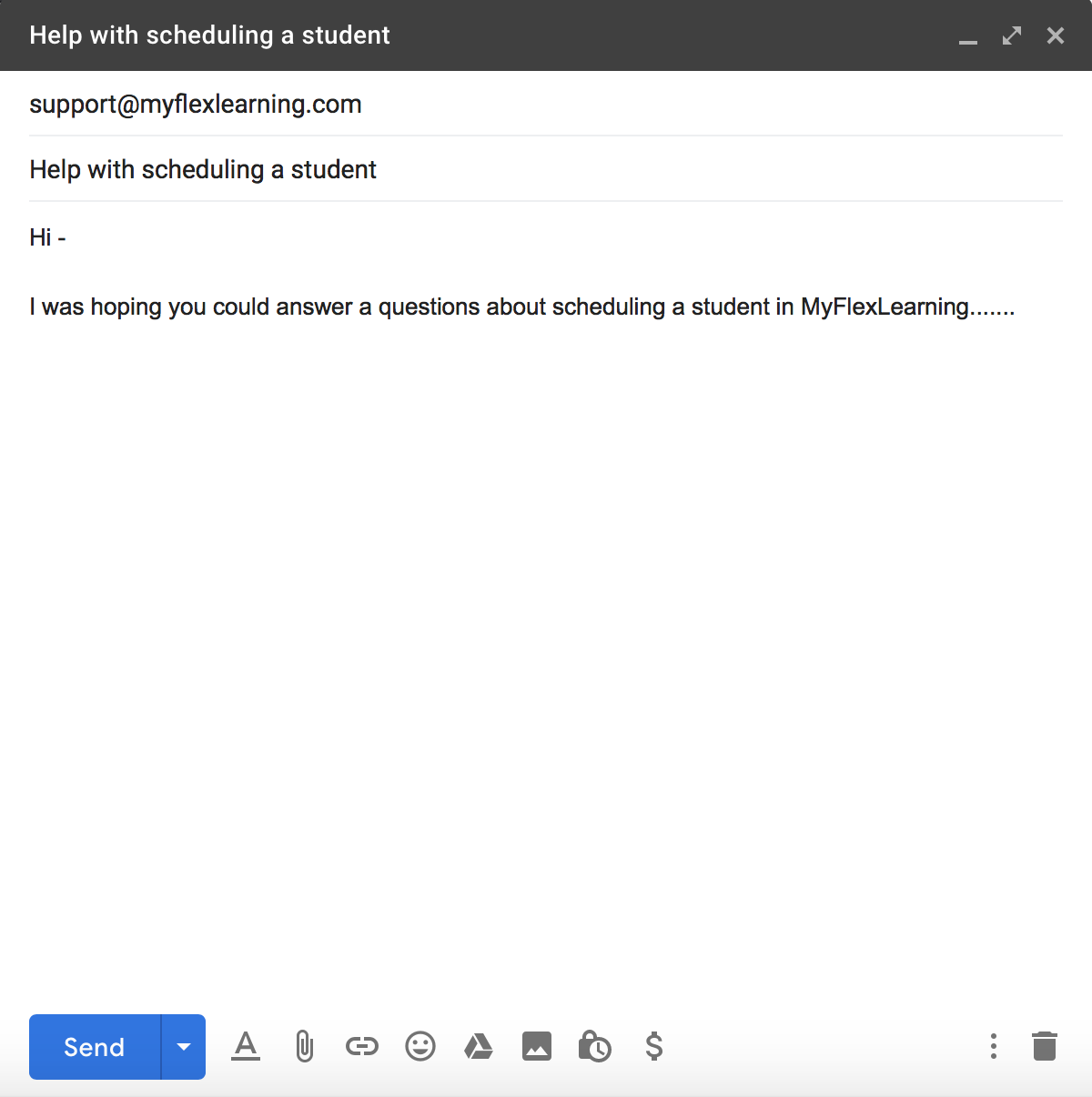
-
Descriptive subject line
-
Message body that contains any relevant information about the issue, such as:
-
Student names
-
Staff names
-
Class name
-
Steps to replicate any issues
You will receive a confirmation email that we have received your request.
*If you want to update your ticket through email you can simply reply to the confirmation email
Submit a support request though the MyFlexLearning Help Center
To send a support request to MyFlexLearning through our Help Center, go to:
https://myflexlearning.zendesk.com/
1) If you already have a username and password, click on the "Sign In" link in the upper right hand corner and enter your username and password.
2) If you do not have an account, please email us at "support@myflexlearning.com"

Once logged in, you will have full access to our Help Center.
Here you will find our Help Center complete with FAQs and searchable help articles.

From the MyFlexLearning Help Center you can also submit a support request, to do so:

-
Click on “Submit a request” next to your name
-
Enter the relevant information about the support request and Submit
You will receive a confirmation email that we have received your request.
You can also view the status of your tickets or add information to the ticket by clicking on your name in the upper right hand corner and click on "My Activities"
Comments
0 comments
Article is closed for comments.