
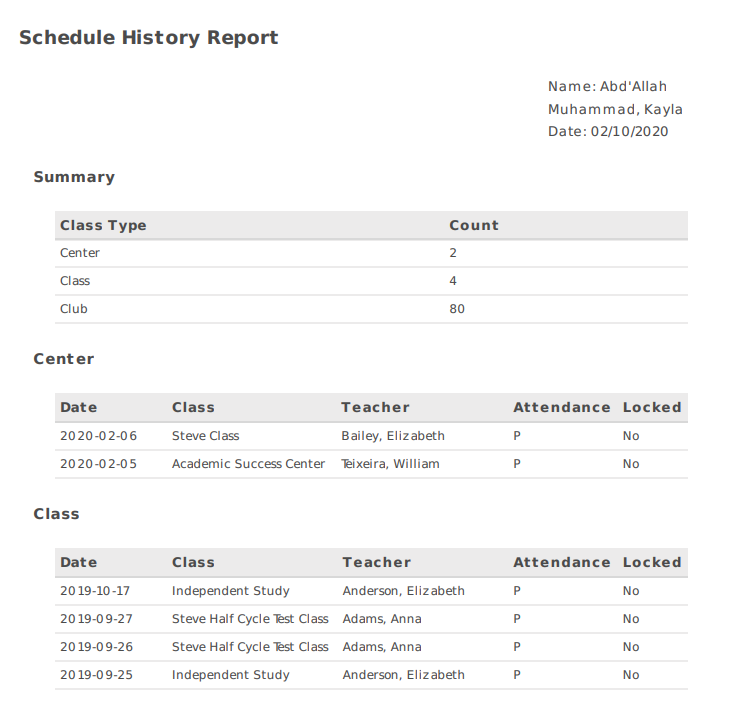
This article demonstrates how to view a student's schedule history for the current school year. This will show all flex blocks this student has been scheduled into and attendance for each.
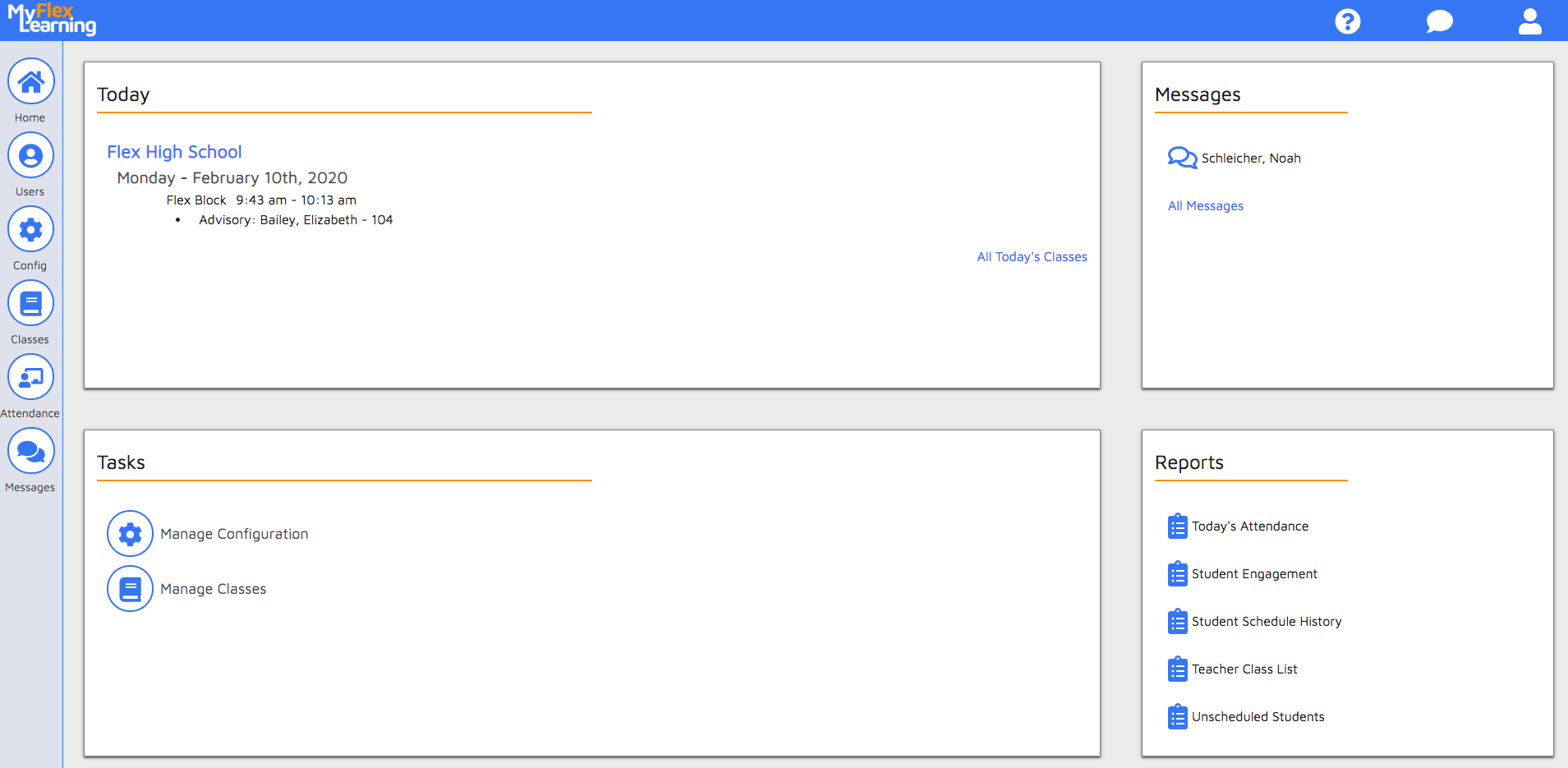
There are two areas to view the Student Schedule History Report in MyFlexLearning: Homepage Reports Widget and Student Calendar Reports.
Homepage Reports Widget
The reports widget can be found on the bottom-right side of the homepage.
Student Calendar Reports
1. Click the Users icon on the left panel.
2. Find the student by searching or using the filter.
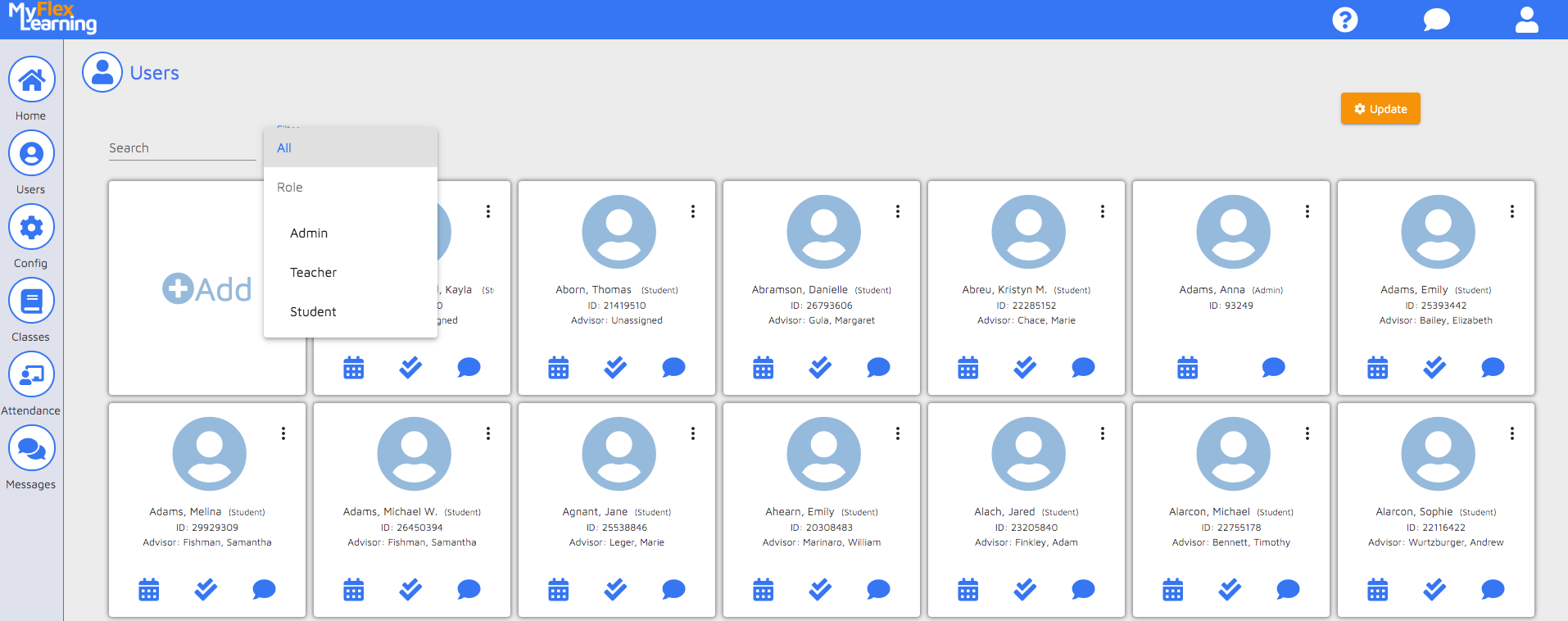
3. Click the calendar icon on the user's card.
4. Click the Reports link at the top of the calendar screen.
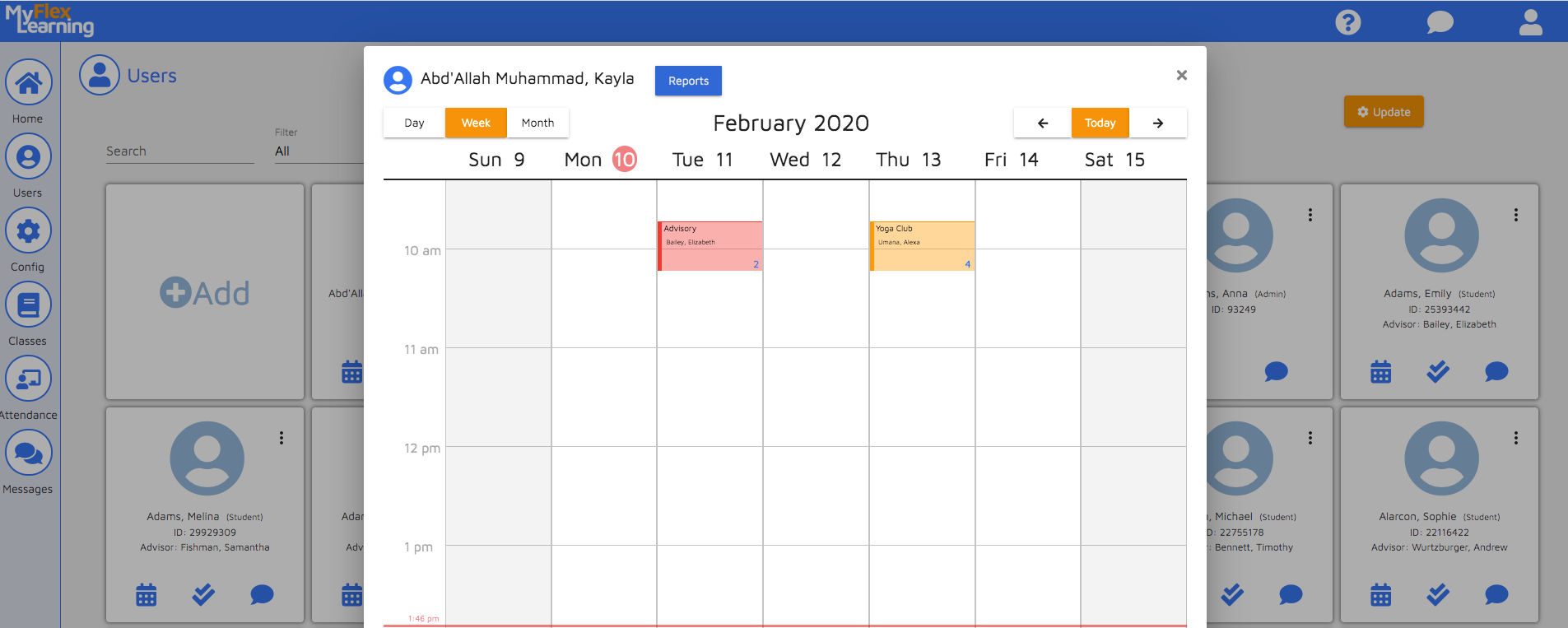
5. Choose to view in PDF or CSV.
Here is a video of this functionality:
Comments
0 comments
Article is closed for comments.