
This article demonstrates how to log into the MyFlexLearning Mobile App using your Google account credentials
Open the MyFlexLearning Mobile App:
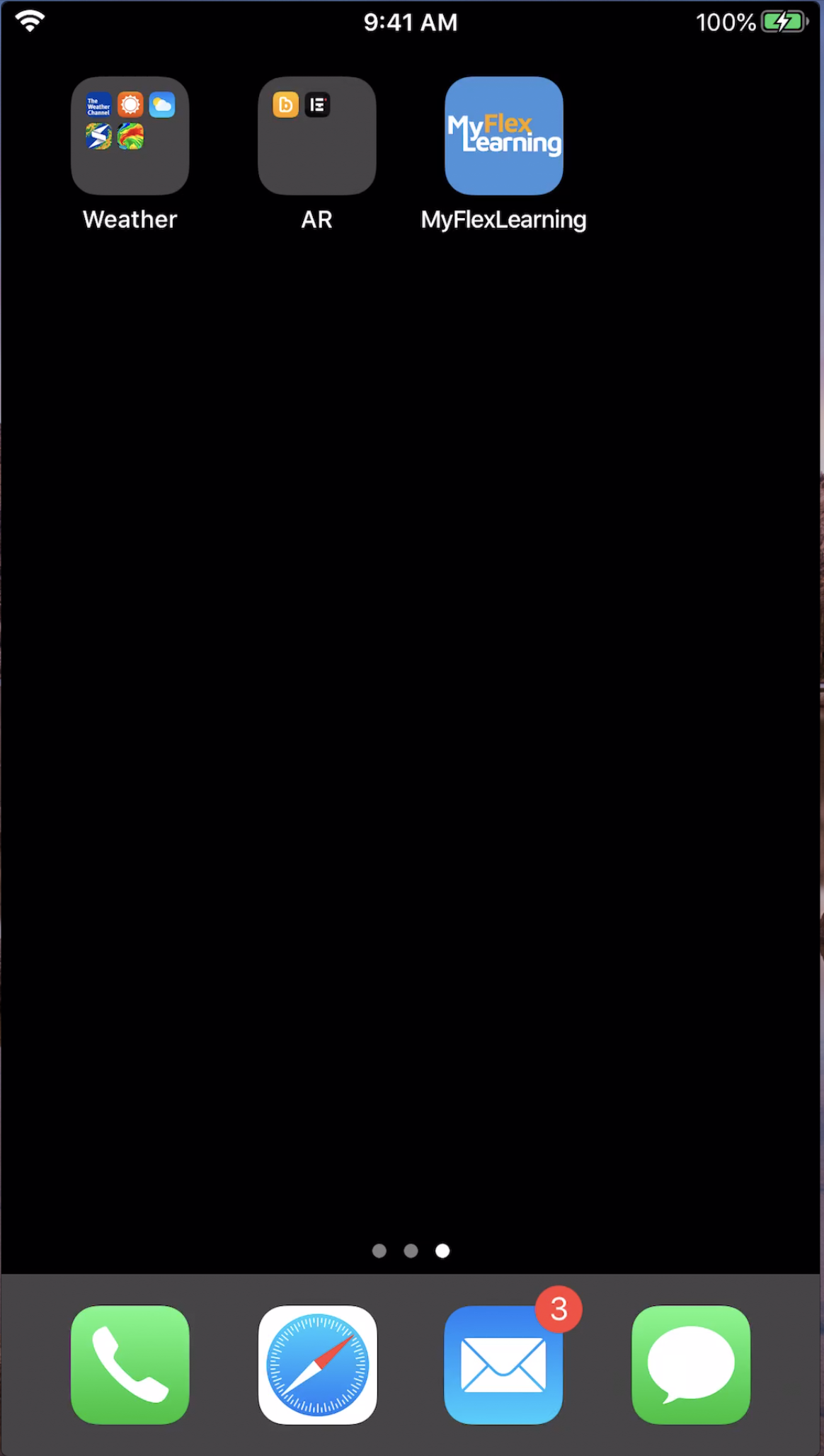
Navigation:
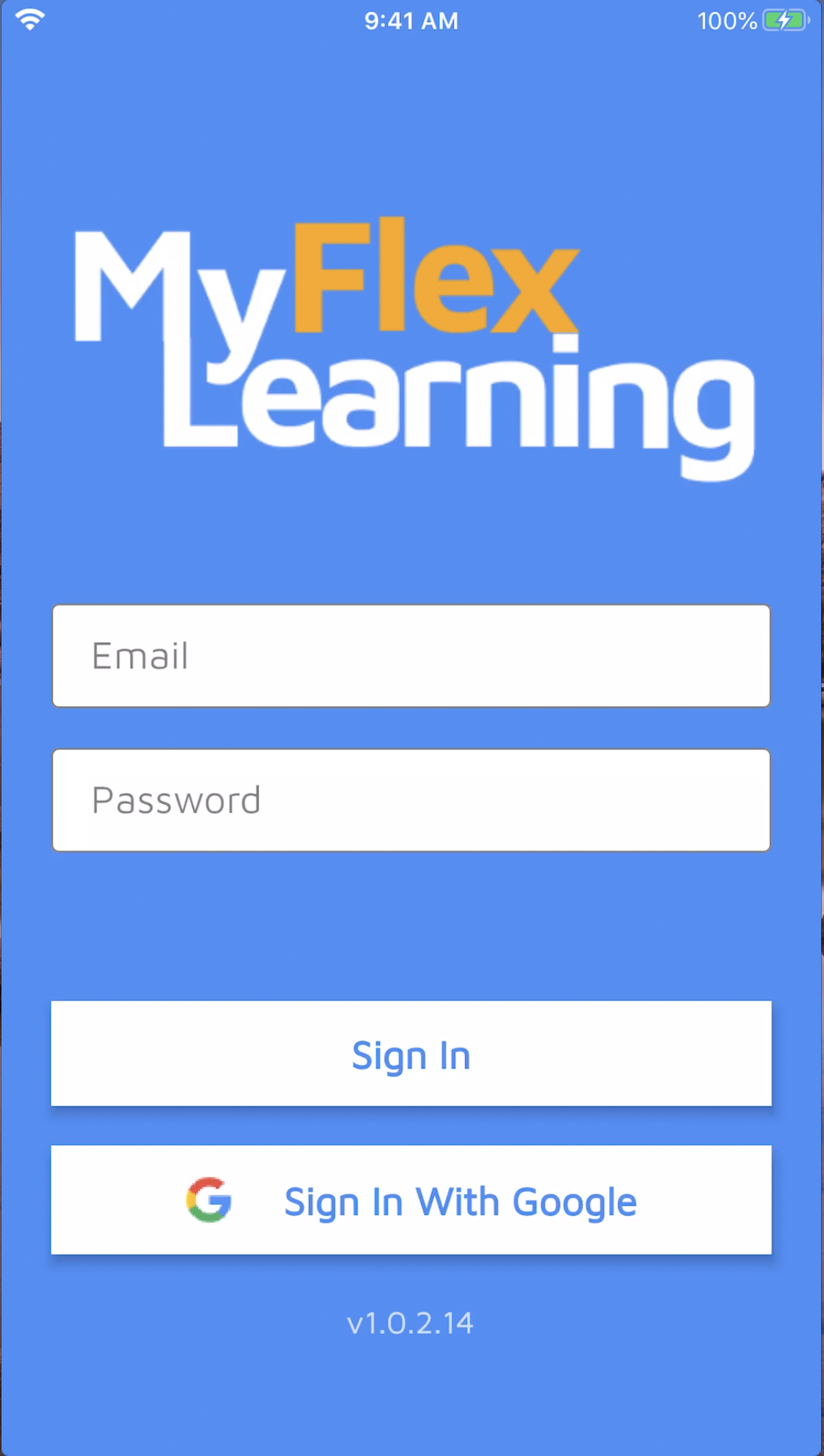
On the Homepage of MyFlexLearning Mobile App click on the on the  button
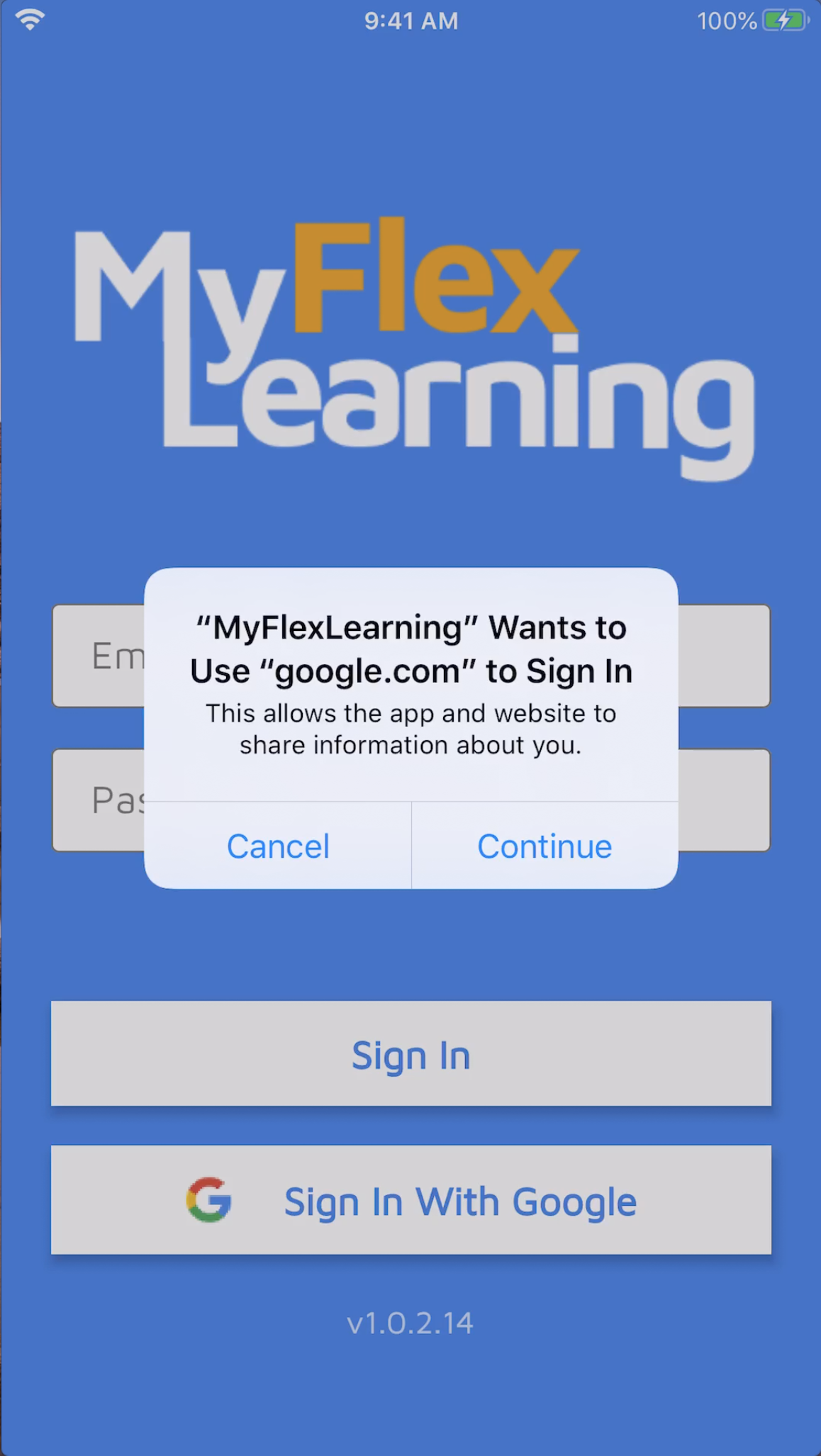
When the "MyFlexLearning" Wants to use "google.com" to Sign In window appears:
1.) Click "Continue"
2.) Use your Google credentials to authenticate
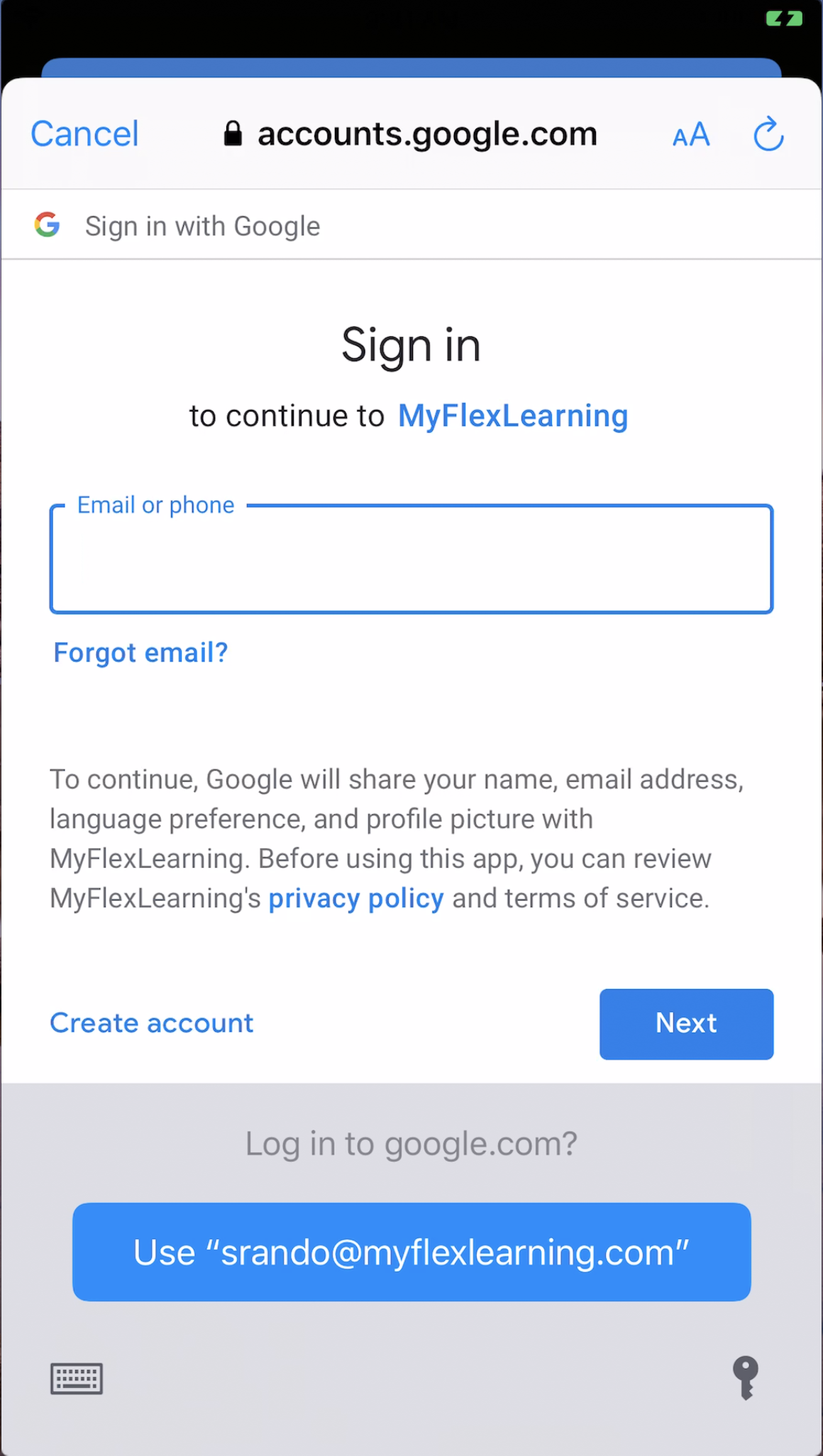
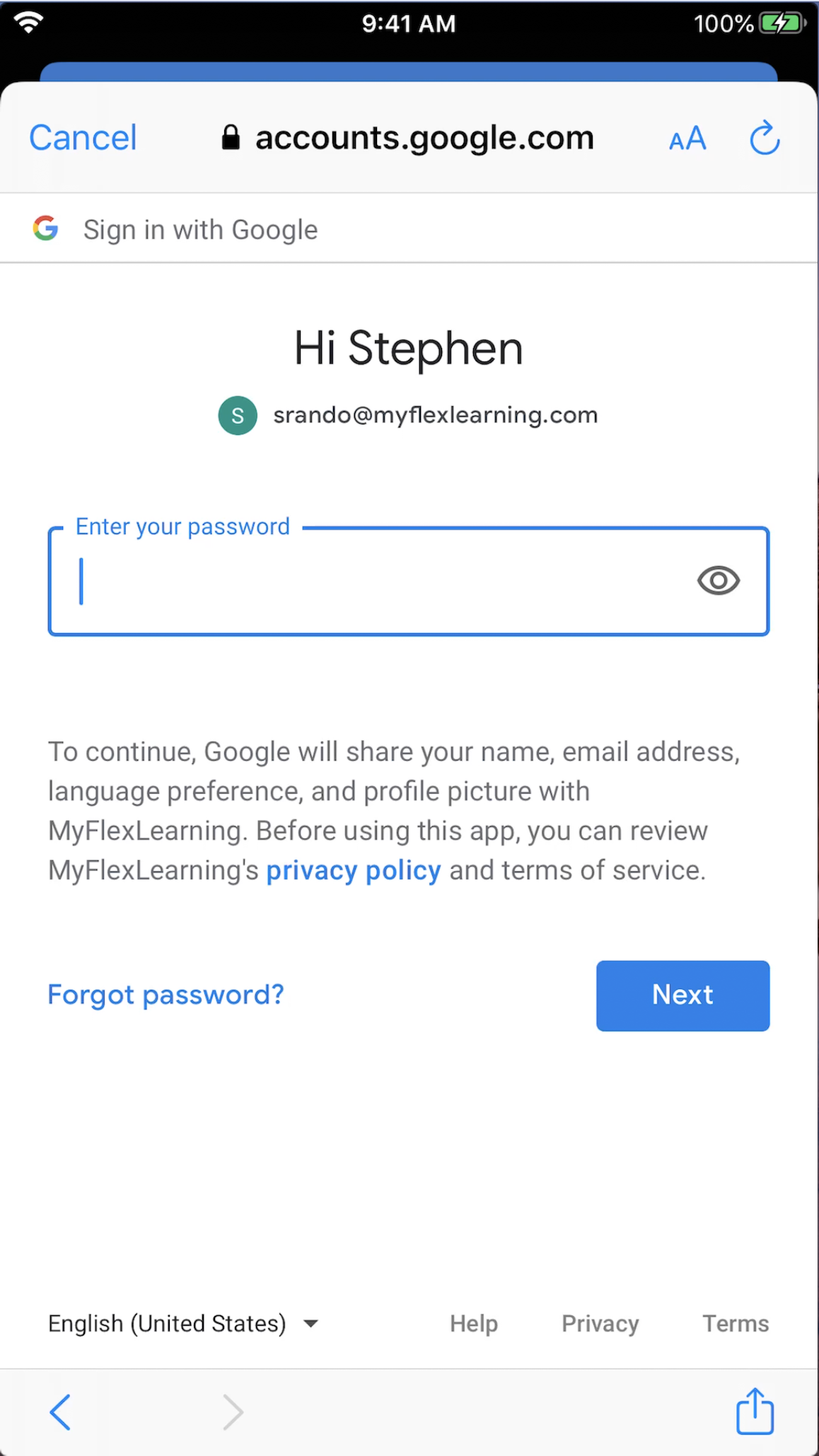
And click "Next"
If you have correctly entered your Google credentials, you will be logged into MyFlexLearning.
If you encounter any issues logging into MyFlexLearning, please contact your System Administrator.
Here is a video of this functionality:
Comments
0 comments
Article is closed for comments.