
This article demonstrates how to view your schedule in MyFlexLearning as a Teacher
How to View Your Schedule
1. Click the Calendar icon on the left panel.
2. On Calendar, use the Day/Week/Month buttons (upper-left) and arrows (upper-right) to navigate the calendar.
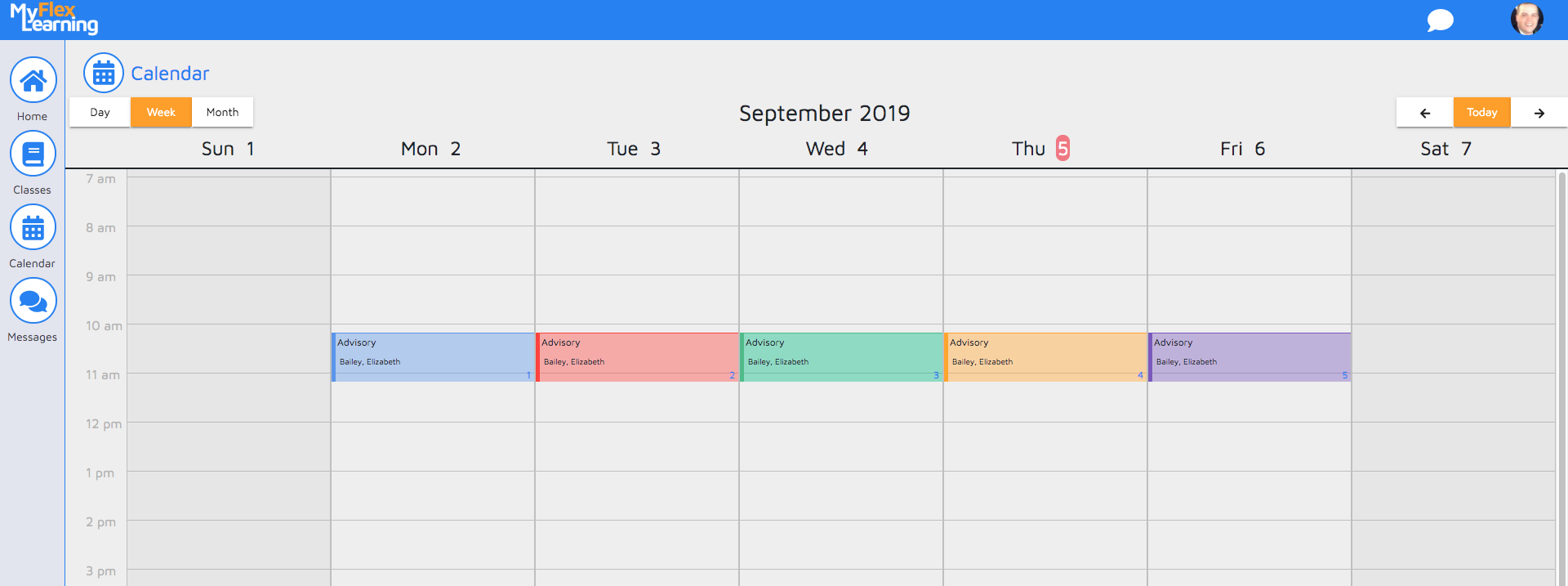
3. Click the block to see the details of scheduled class.
Here is a video of this functionality:
Comments
0 comments
Article is closed for comments.