
This article demonstrates how to view "My Students:" in MyFlexLearning as a Teacher
1. Click the "My Students" icon on the left panel. 
2. This view will show you "All Students" by default
You can view students in two ways: (Use the  buttons to toggle between the "list" and 'card" views.
1) Card view
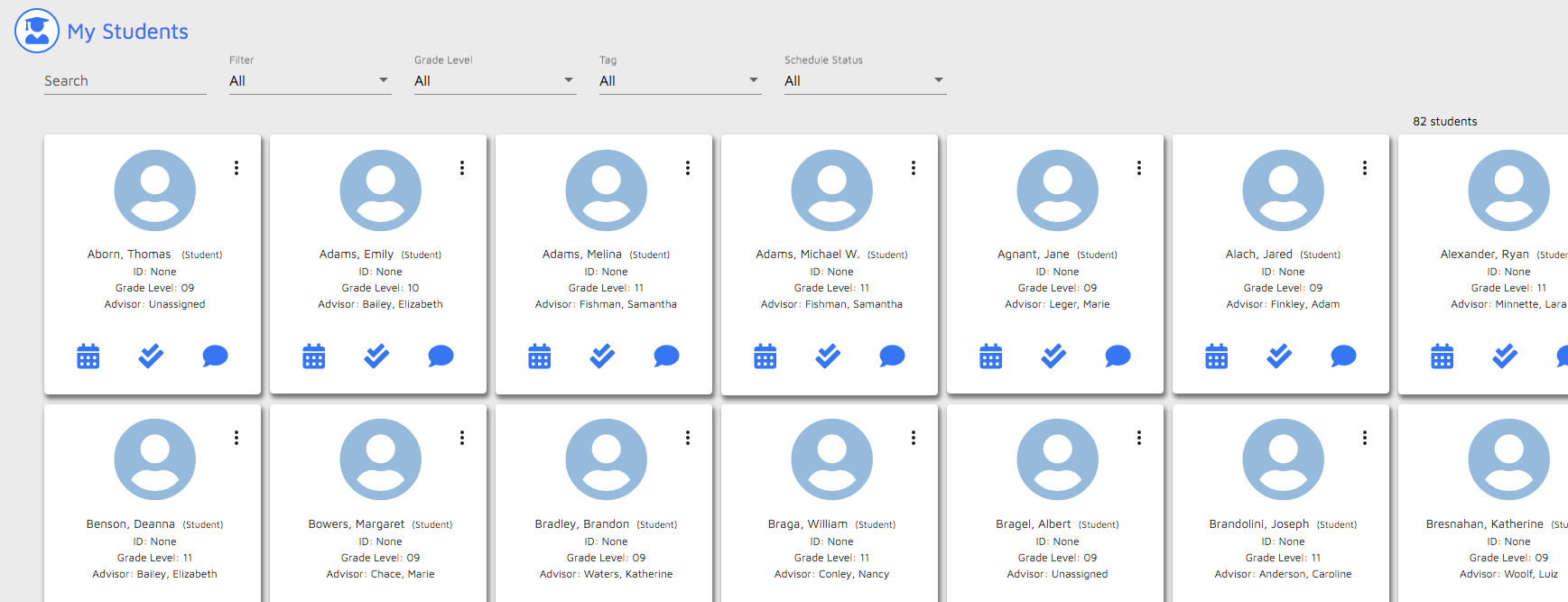
You may also filter down to
-
-
- My Academic Students: Any students who are on the roster of one of my SIS classes
- Students in MyFlex Classes: Any students who are on the roster of of my MyFlex classes
- Students I Advise: Any students I am the Advisor or Co-Advisor for.
-
Other filters include:
- Grade level: Filter by student current grade level
- Tag: Filter students by tag
- Schedule Status: Filter to see students who are "unscheduled" on a certain day during your flex block
2) List View
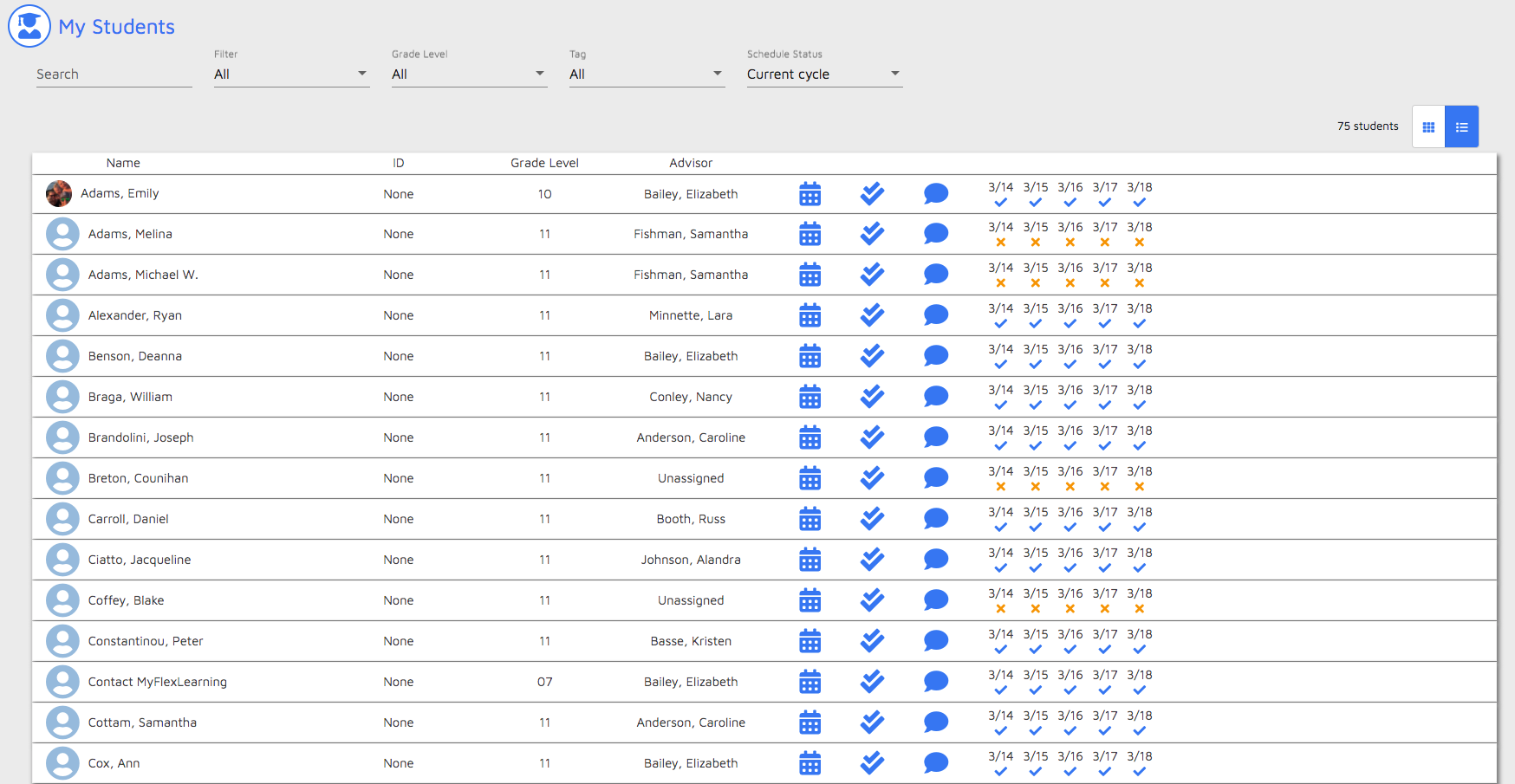
On the "list" view, teachers can view a "Schedule Status" for their students for the "Current Cycle" and "Next Cycle".
 |
Student has not selected (is unscheduled) a class during Flex for this day |
 |
Student is scheduled during Flex for this day |
Here is a video of this functionality:
Comments
0 comments
Article is closed for comments.