
This article demonstrates how to Check in and Check Out as a Teacher
How to Check In and Check Out
1. Click Check In/Out under the Tasks widget on the Homepage.
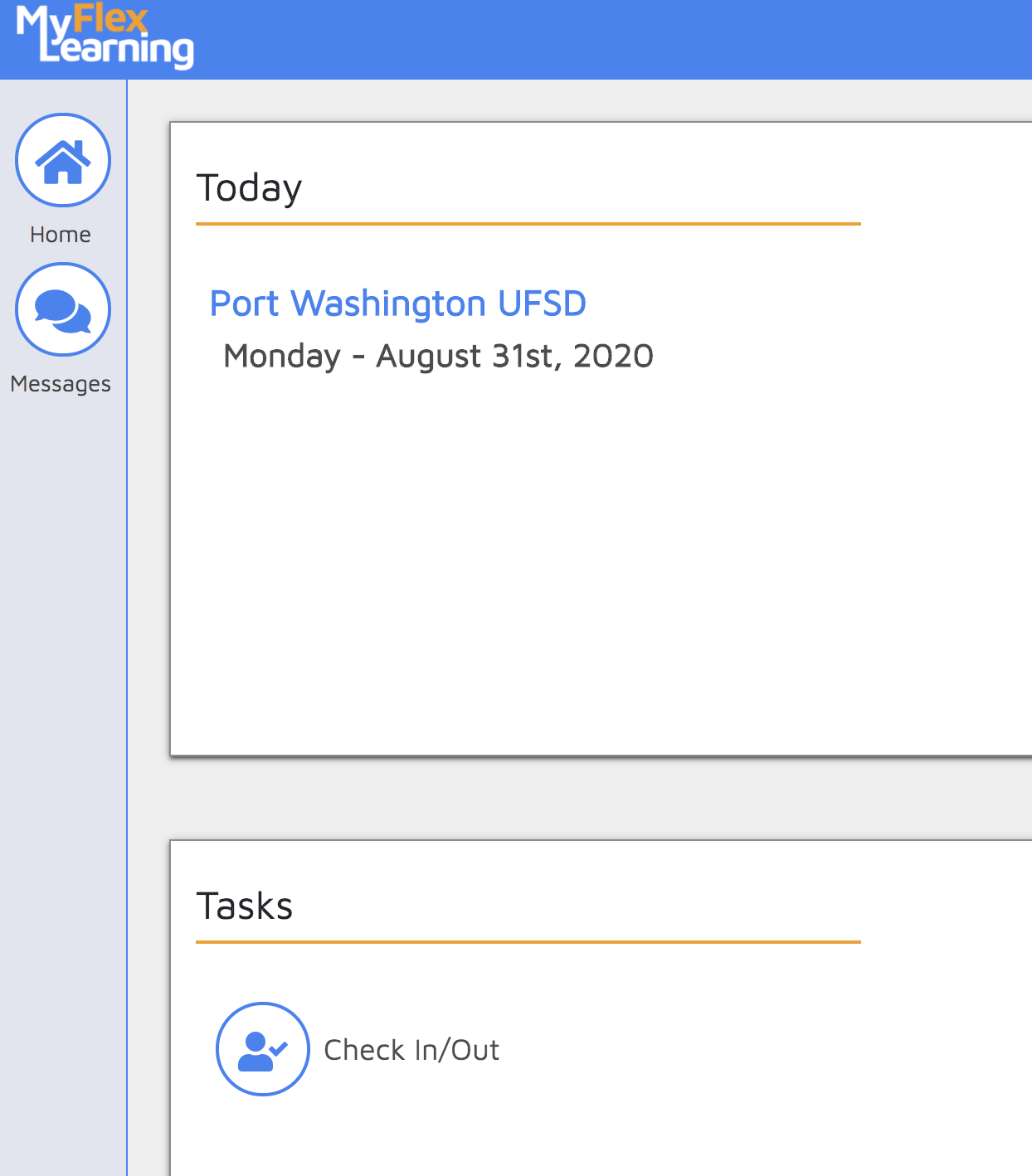
The Check In/Out pop up appears.
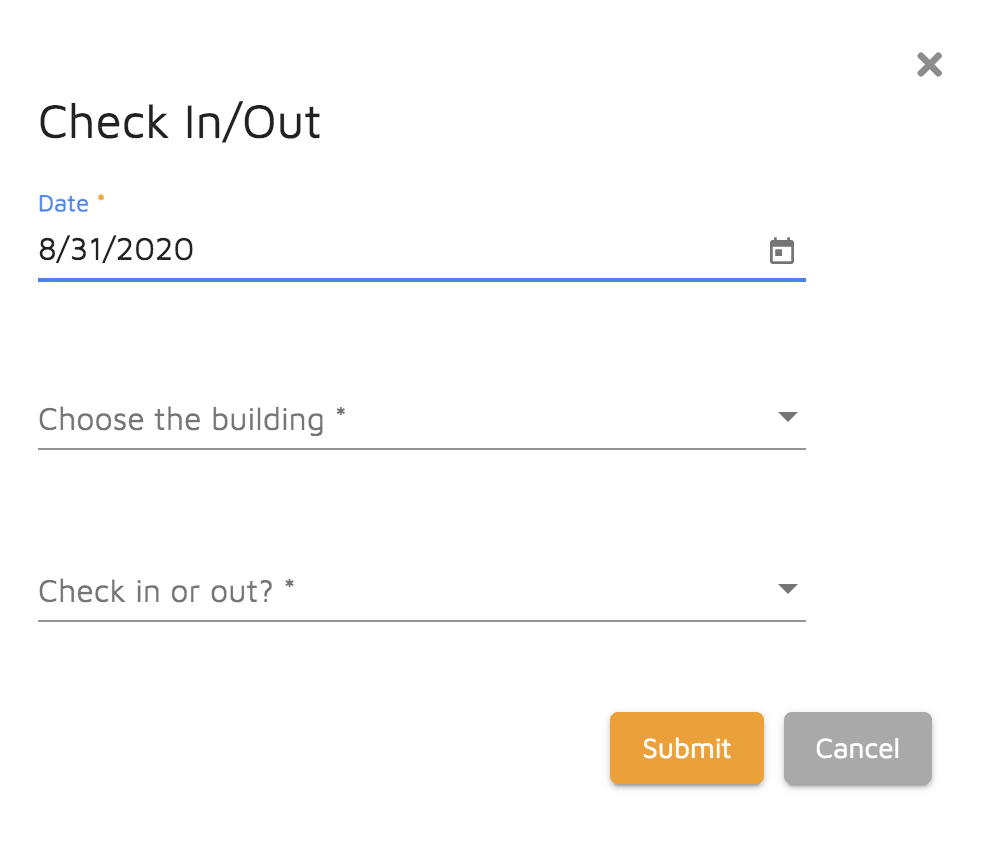
2. Today's Date is pre-populated.
3. Click on "Choose the building" drop down list and select your building.
4. Click on "Check in or out?" and select either Check In or Check Out.
5. Click Submit.
Comments
0 comments
Article is closed for comments.