
Learn how to quickly locate multiple users in MyFlexLearning using their SIS IDs. This guide shows how to enter IDs in bulk and access the matching user records efficiently. Note: The system accepts the following formats: comma-separated, space-separated, quoted values, or one ID per line.
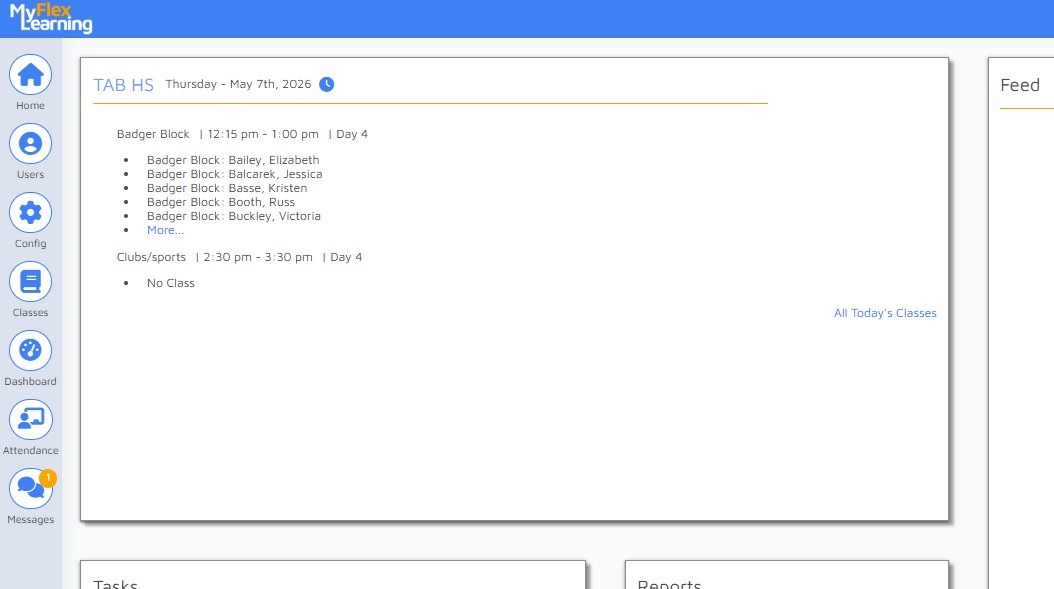
1. Navigate to MyFlexLearning home page.
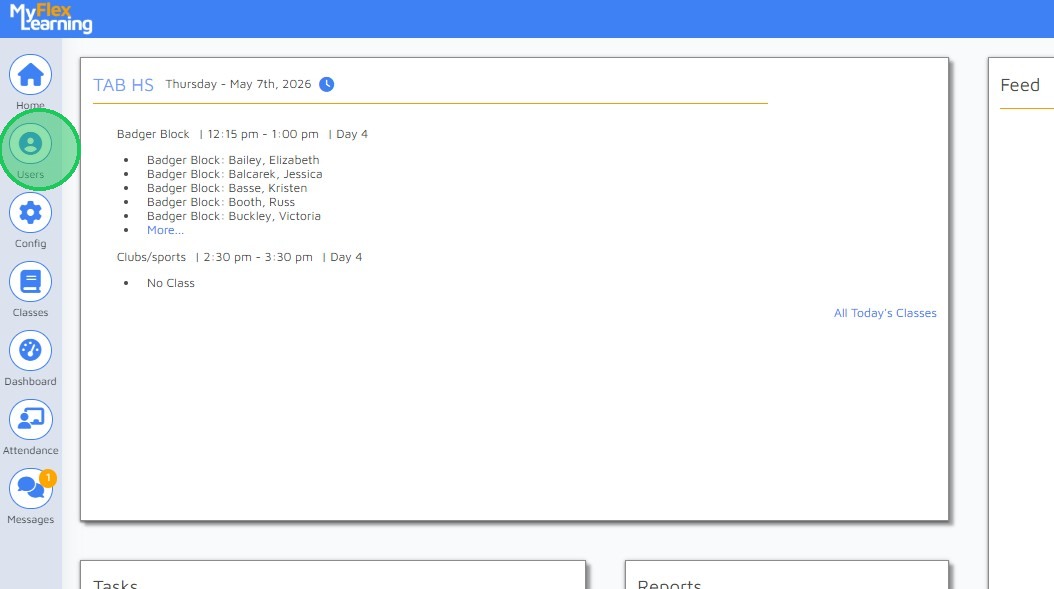
2. Click Users in the sidebar menu.

3. Enter the SIS IDs in the search field and click Search. The system accepts the following formats: comma-separated, space-separated, quoted values, or one ID per line
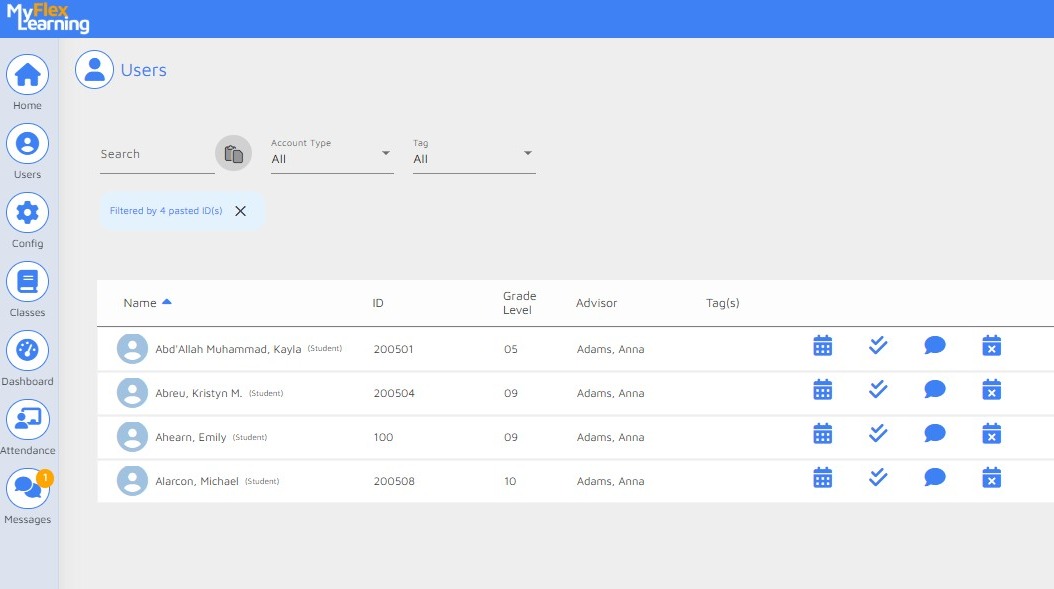
4. Results are displayed.
Comments
0 comments
Please sign in to leave a comment.