
This article demonstrates how to use the "Login As" function. The "Login As" function gives Admin users the ability to view what another user views. This is helpful for assisting with support and troubleshooting.
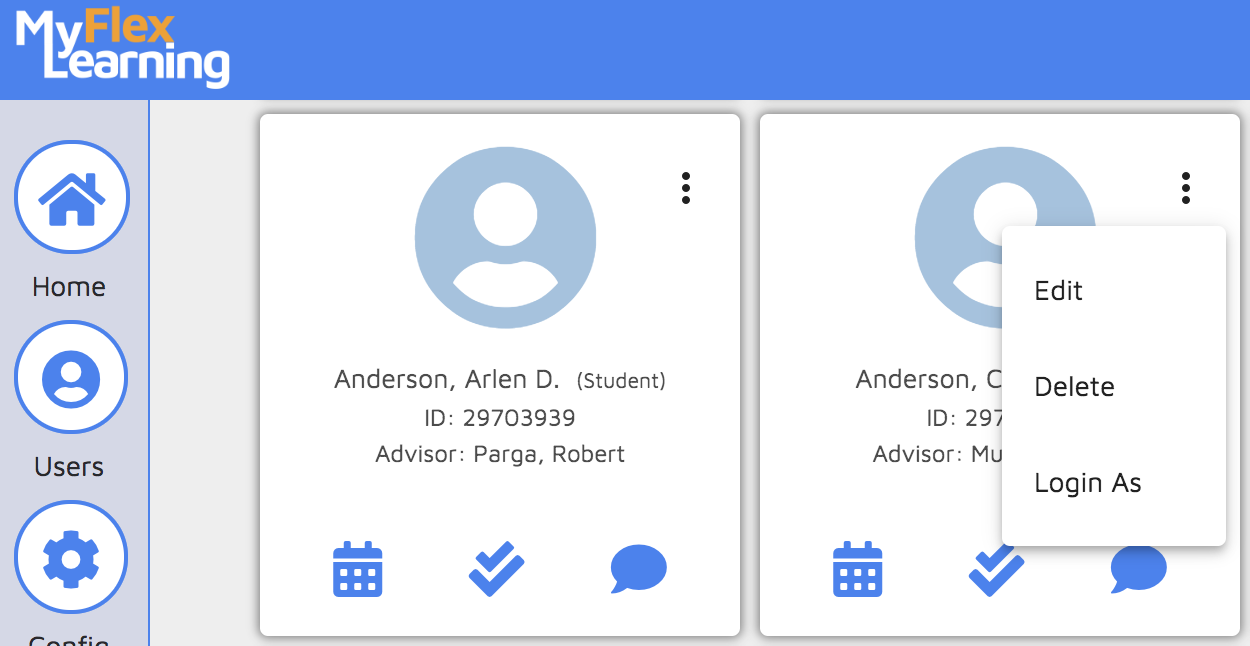
1. Click the Users icon on the left panel.
2. Find the user by searching or using the filter.
3. Click the three dots on the user's card.
4. Click Login As from the menu that appears. You will then view the home screen as the user would.
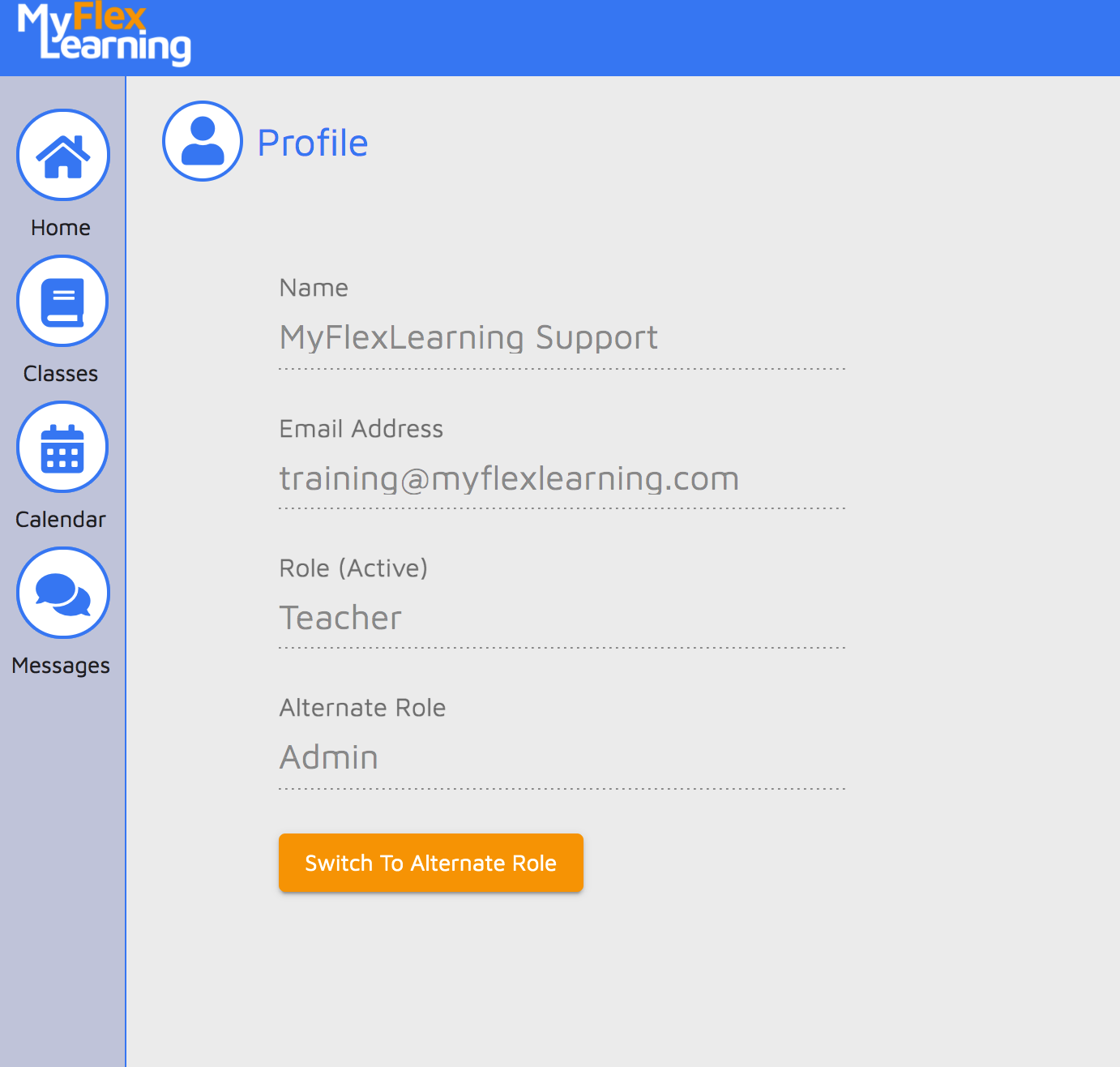
5. Click the person icon in the upper-right corner to switch back to your account
Here is a video of this functionality:
Comments
0 comments
Article is closed for comments.