
The following steps explain how to extend class end dates in mass. This feature is useful when the school year end date is extended and class schedules need to be updated accordingly.
Access Class Management
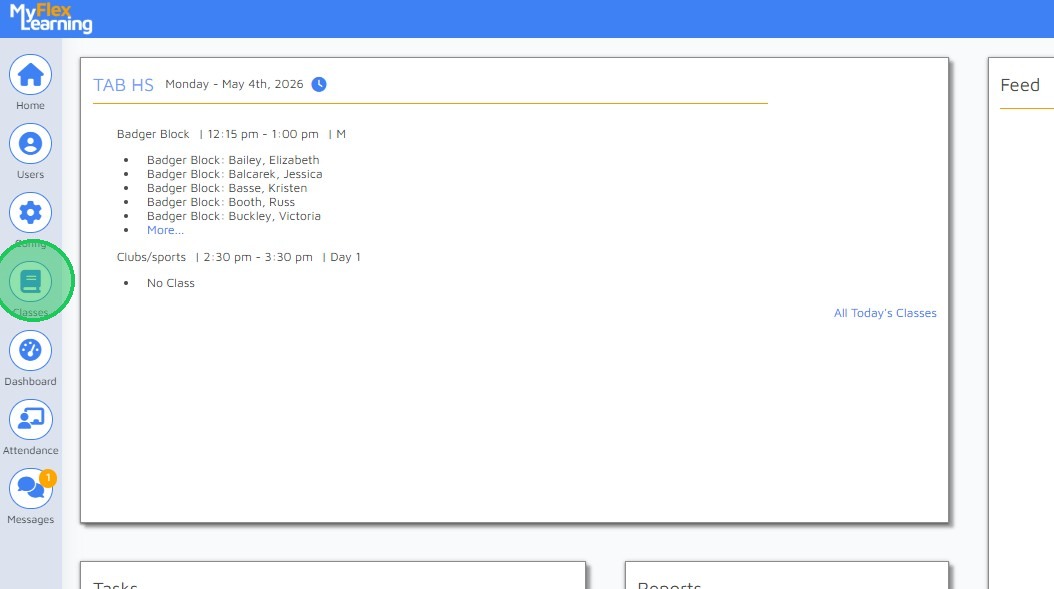
1. From the Home screen , click "Classes" in left navigation menu.
Bulk Update Configuration
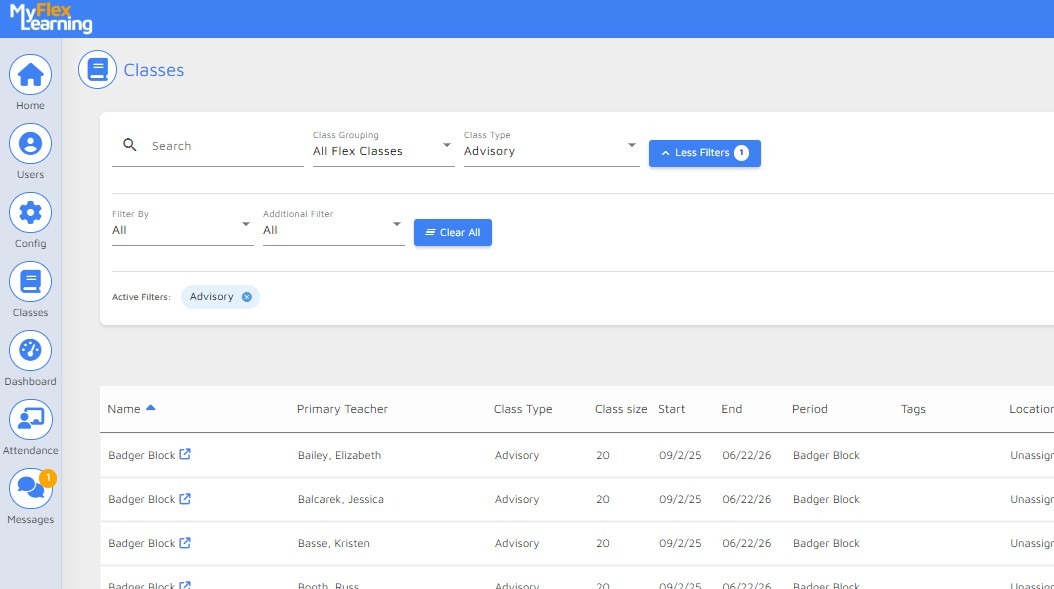
2. Scope your class list to the classes needing to be modified.
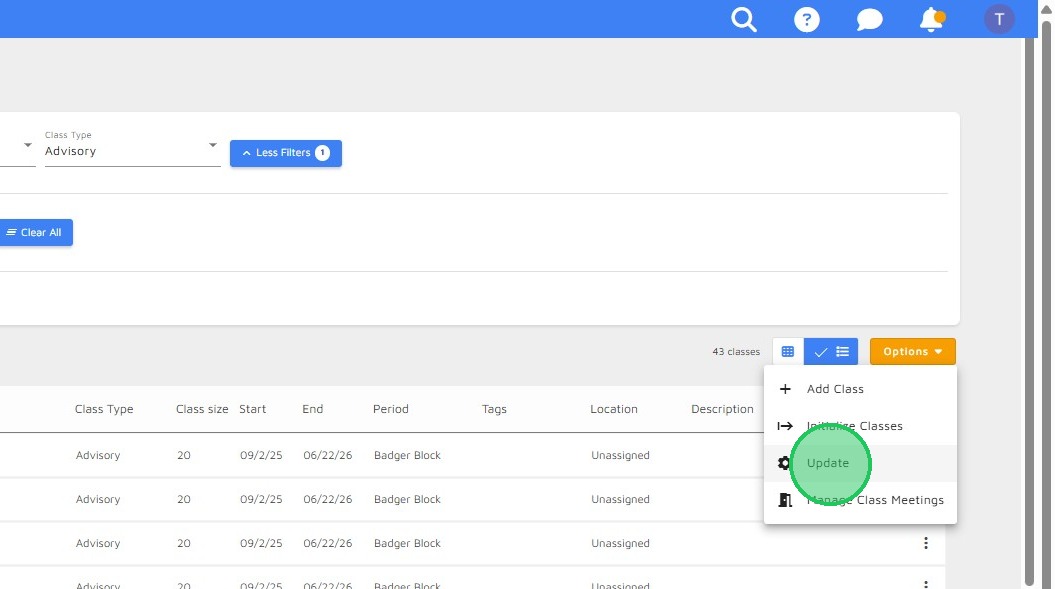
3. Select "Update" from Options dropdown menu.
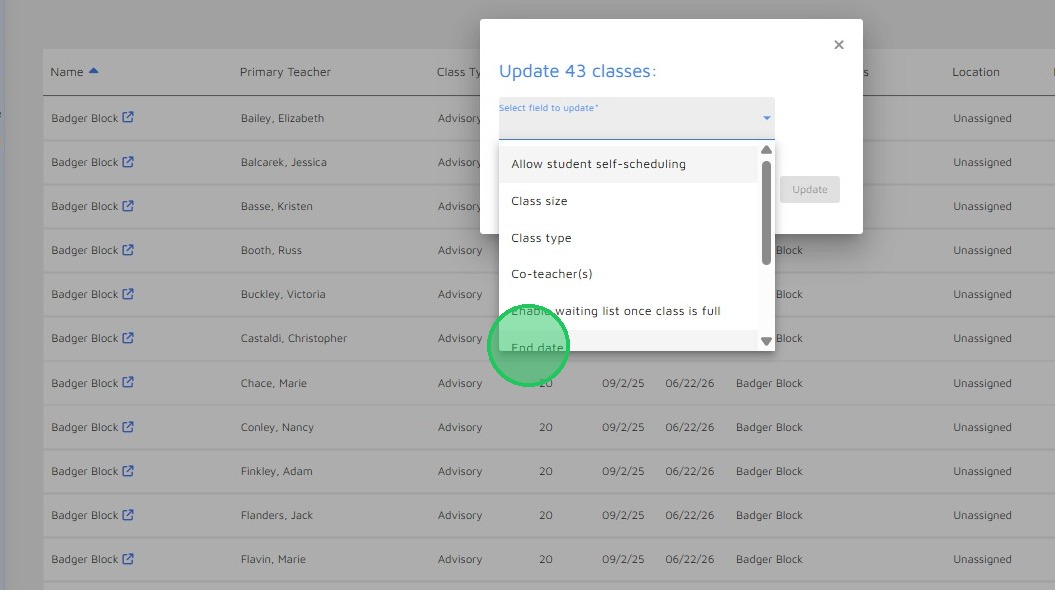
4. The pop-up window displays the number of classes that will be affected by this action. Press the down arrow to select the field.
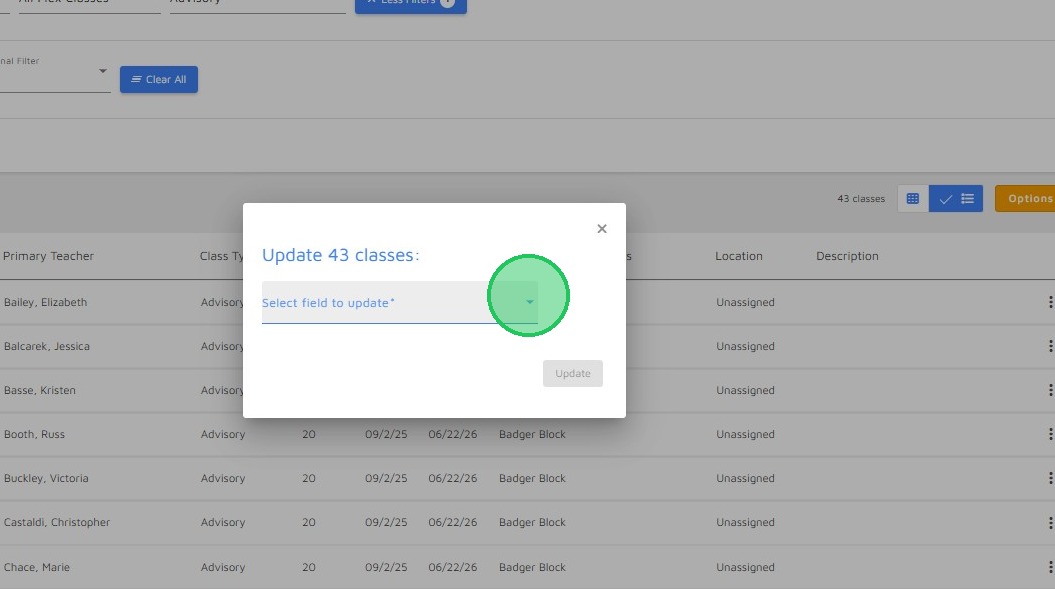
5. Select "End date" from the dropdown menu.
Apply Changes

6. Select the date from the calendar popup.
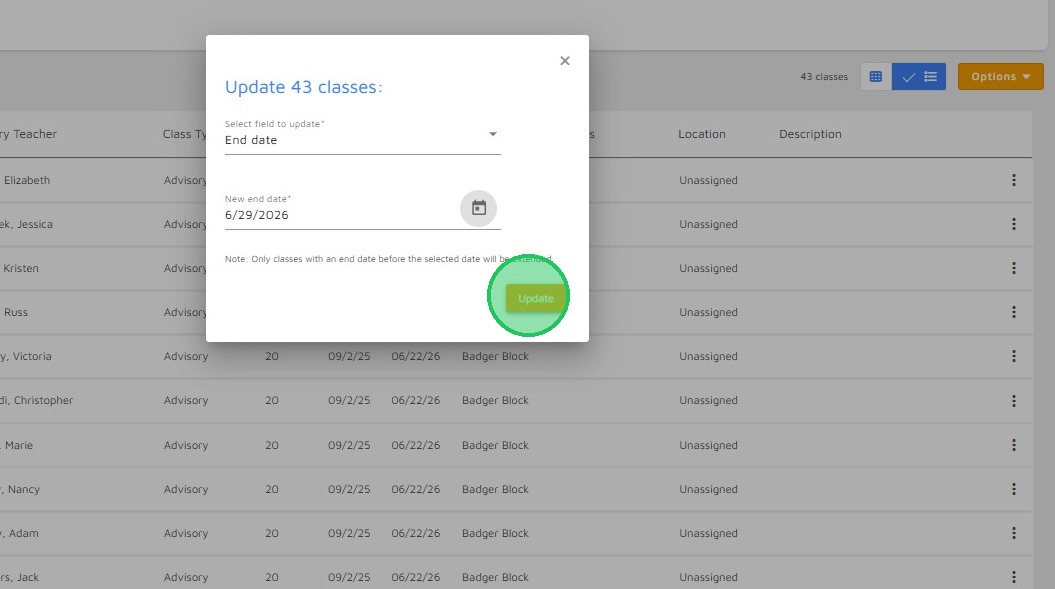
7. Click "Update" to apply changes.
Comments
0 comments
Please sign in to leave a comment.