
This article demonstrates how to view and manage the In Session Dates in MyFlexLearning.
1. Click the Configuration icon on the left panel.
2. Click In Session Dates. Dates with a blue circle are in session.
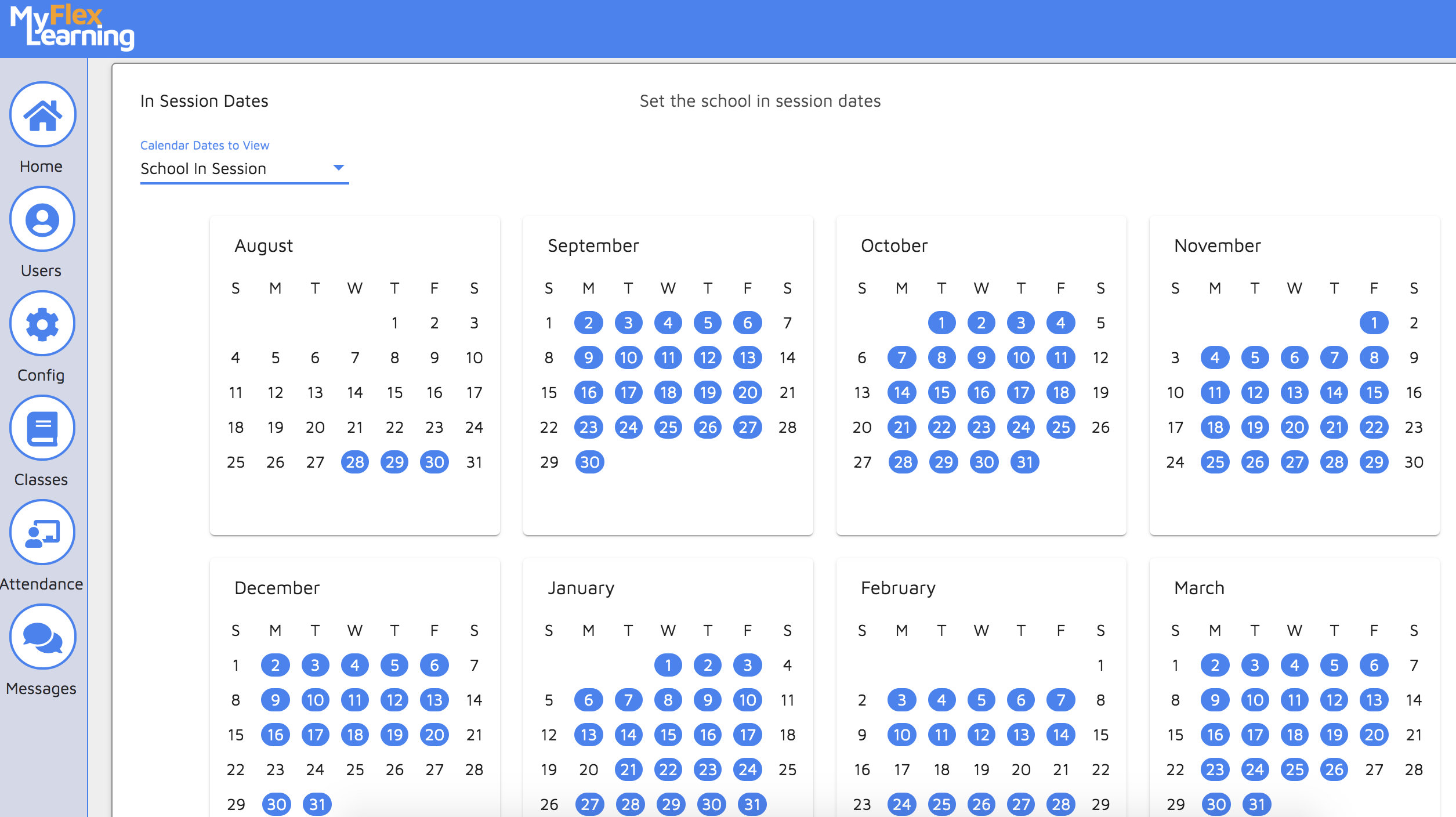
3. To change a date from In Session to not in session, click on the date so there is no longer a blue circle around it.
4. If the "School in Session" date is turned off, the In Session date for the Flex Block will also be turned off.
Here is a video of this functionality:
Comments
0 comments
Article is closed for comments.