
This article demonstrates how to add a user in MyFlexLearning. During implementation, your school decides which users will be imported from the SIS and created in MyFlexLearning. These instructions are for users who are not in your SIS, such as administrative or support staff.
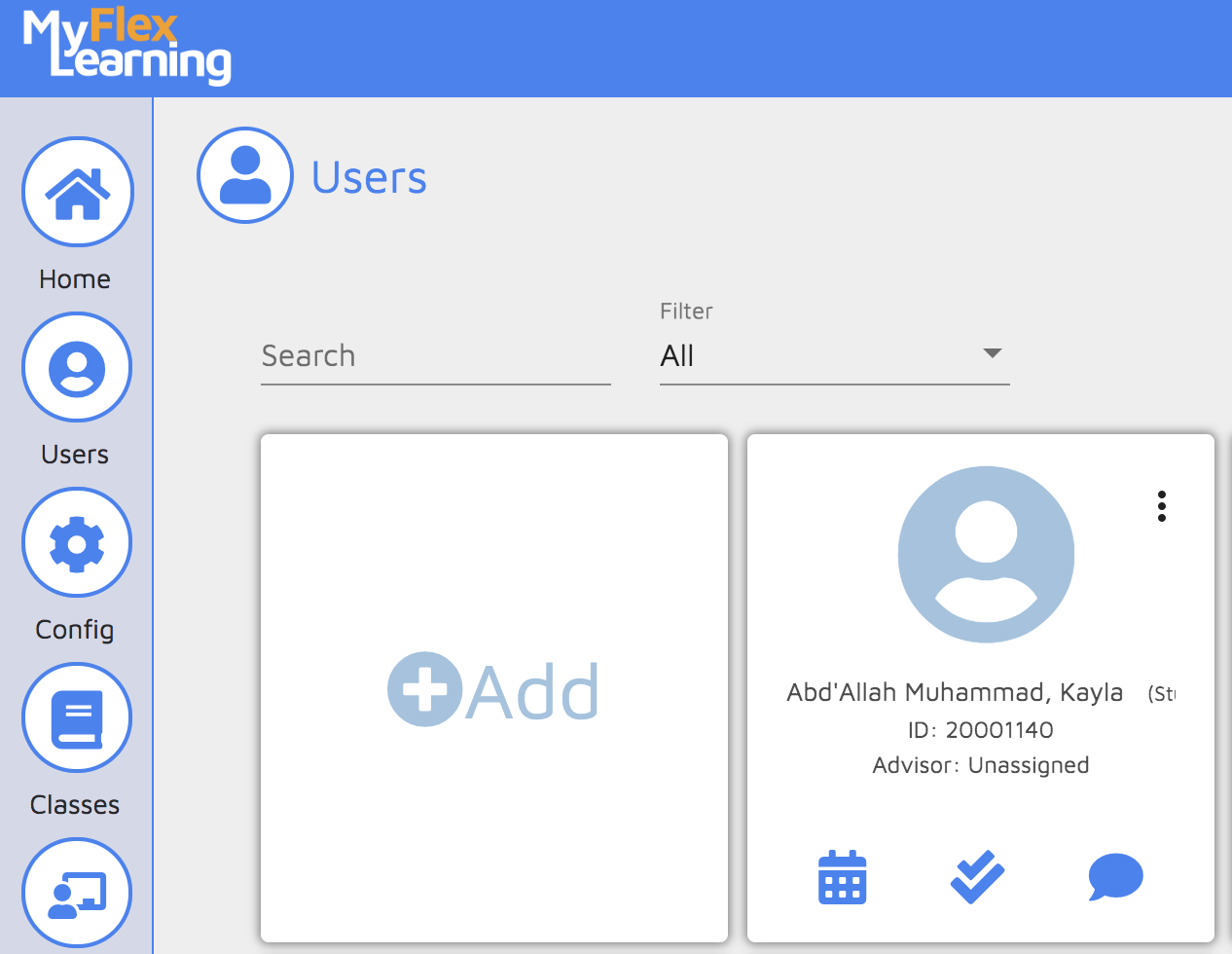
1. Click the Users icon on the left panel.
2. Click the Add card.
3. Enter the users's information. The email address must be the user's district email address that is linked to their district Google account.
SIS ID - You may leave this blank.
Alternate Role - Add an alternate role only if the user is both a Teacher and an Admin. Otherwise leave this blank.
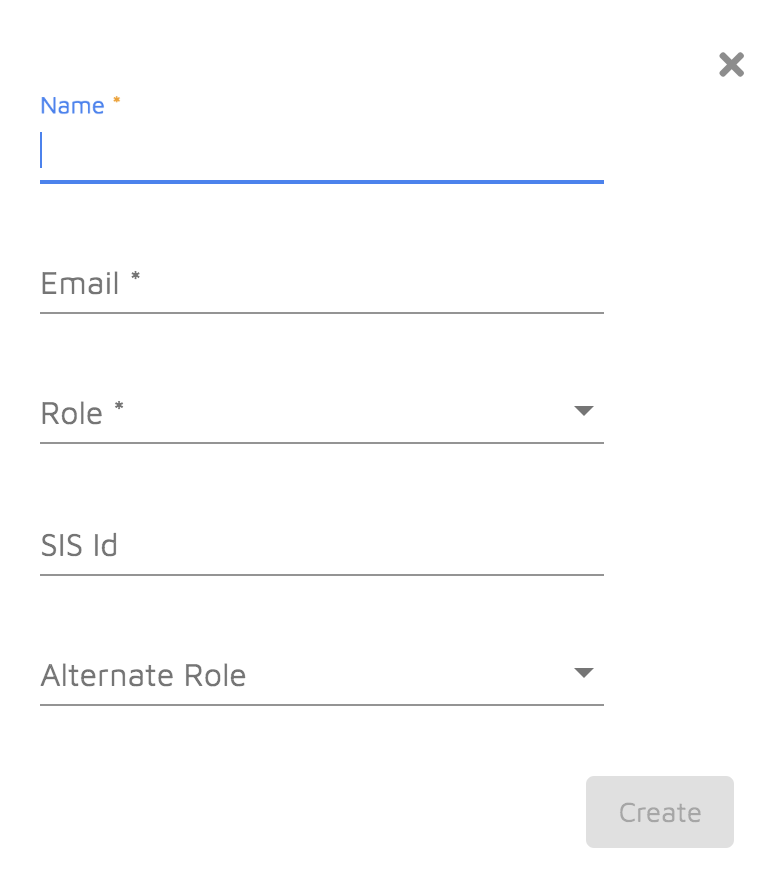
4. Click Create. The user will be able to log in using Google Authentication.
Here is a video of this functionality:
Comments
0 comments
Article is closed for comments.