
This article demonstrates how to view the cycle day in MyFlexLearning. This is useful for schools that run on a cycle rather than a weekly mode.
1. Click the Configuration icon on the left panel.
2. Click In Session Dates.
3. Select the period from the "Calendar Dates to View" drop down menu.
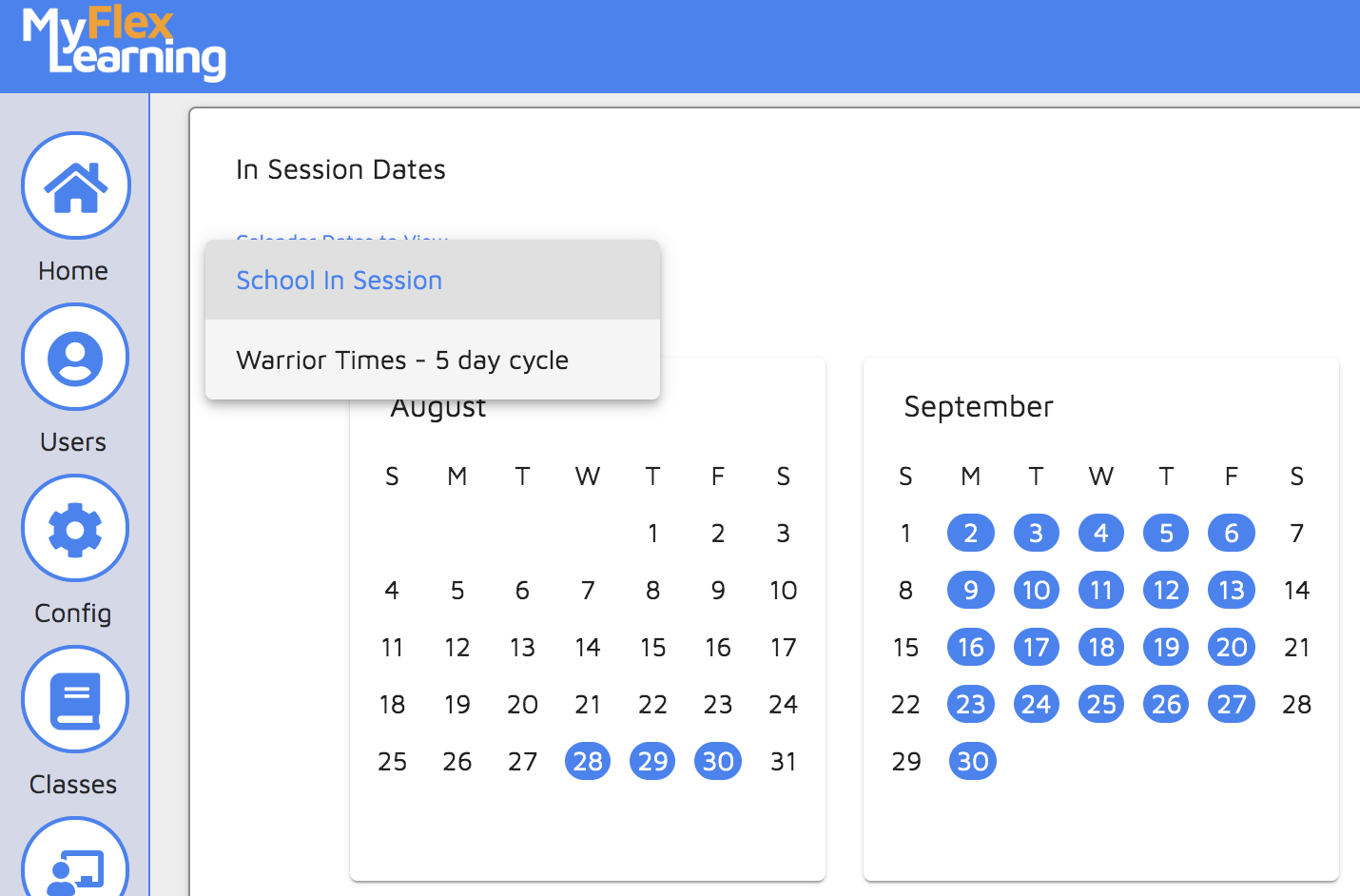
4. Hover over the calendar day to view the cycle day.
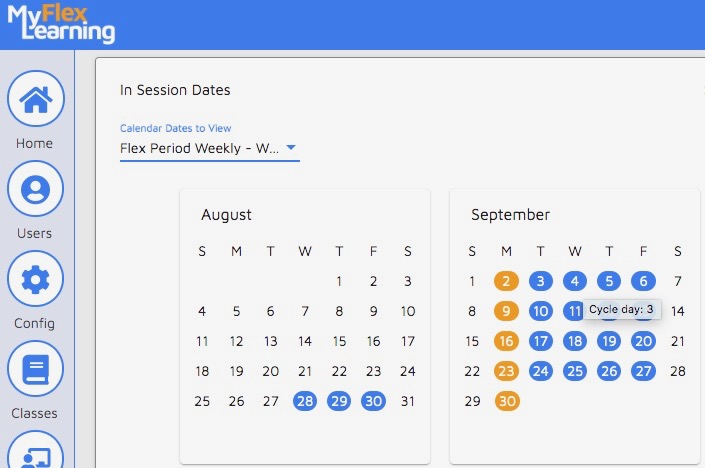
Here is a video of this functionality:
Comments
0 comments
Article is closed for comments.