
This article demonstrates how to view all students and teachers in MyFlexLearning. Admins can use this functionality to find a specific user, all users with certain role, students with a certain advisor or students in a certain grade level.
1. Click the Users icon on the left panel. You will see a card for each user in MyFlexLearning. This will include students, teachers, and admins.
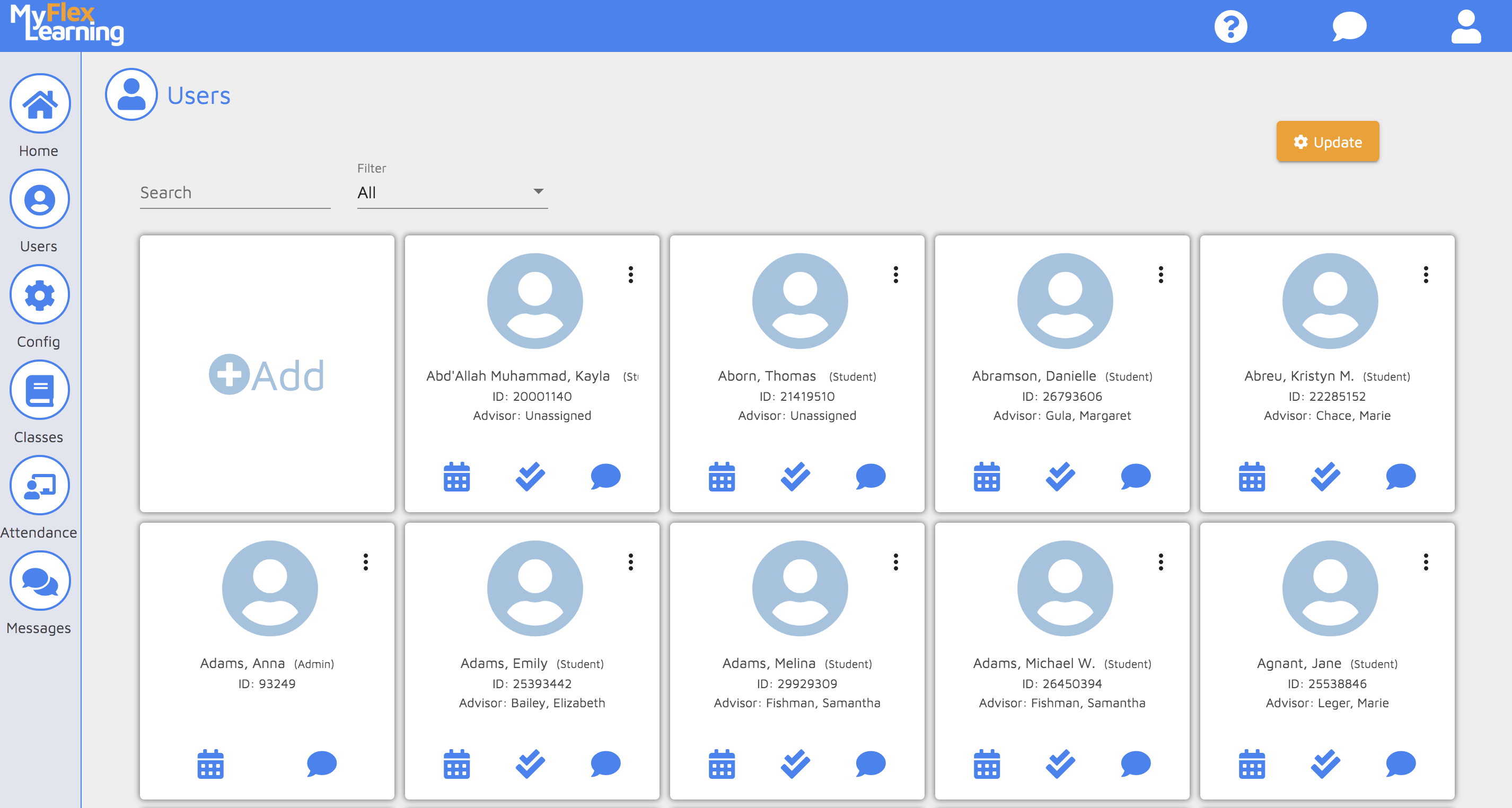
2. Use the Search bar to find a specific person by searching on name or ID. Use the Filter to filter by All Staff, Admin, Teacher or Student, Student by Advisor or Student by Grade Level.
Here is a video of this functionality:
Comments
0 comments
Article is closed for comments.