
This article demonstrates how to view reports. Admins have the ability to run reports in MyFlexLearning.
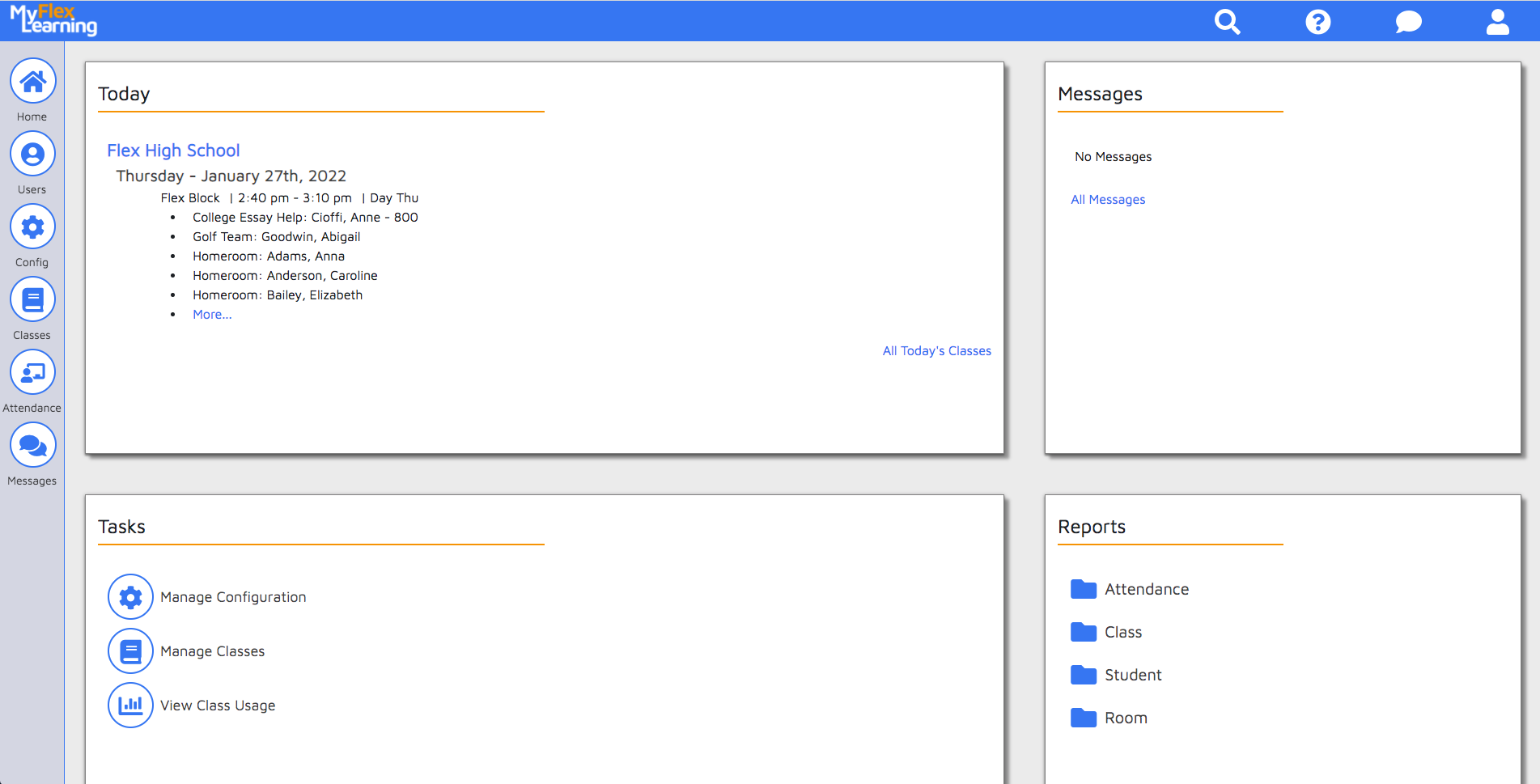
There are two areas to view reports in MyFlexLearning: Homepage Reports Widget and Student Calendar Reports.
Homepage Reports Widget
The reports widget can be found on the bottom-right side of the homepage.
Student Calendar Reports
1. Click the Users icon on the left panel.
2. Find the student by searching or using the filter.
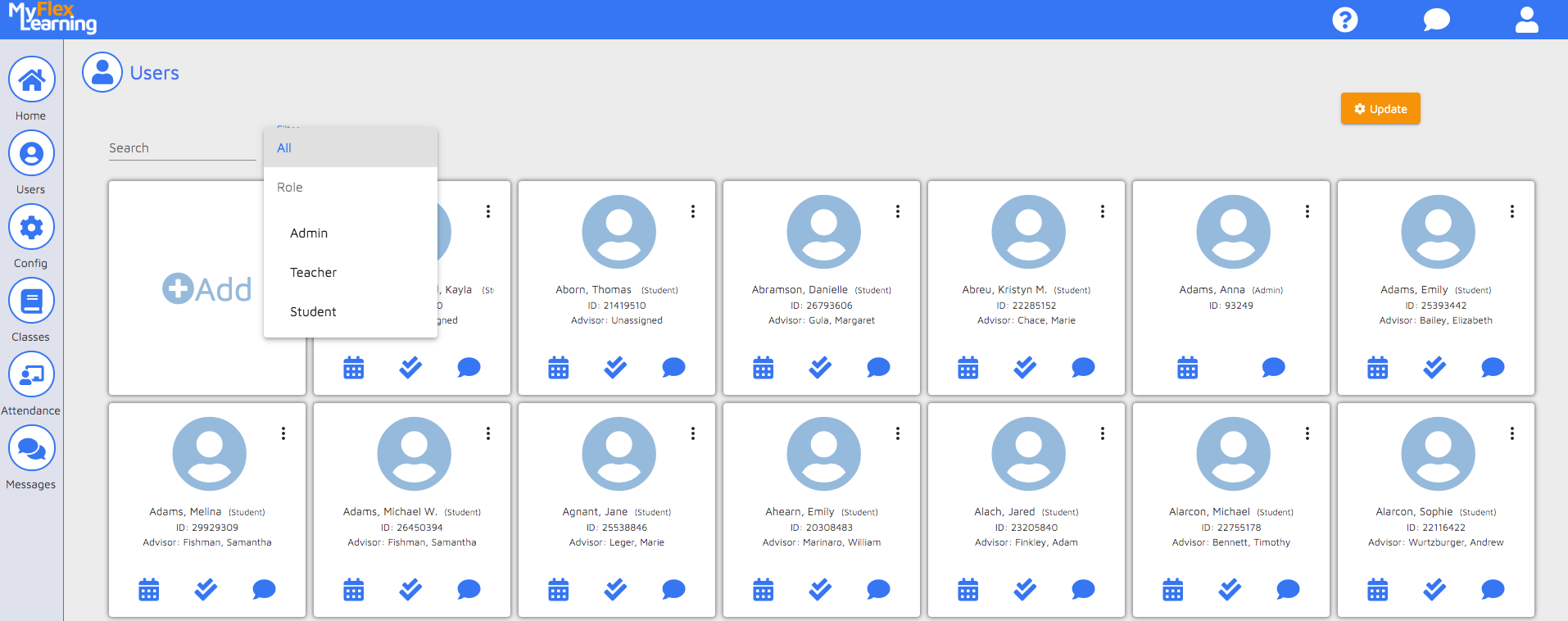
3. Click the calendar icon on the user's card.
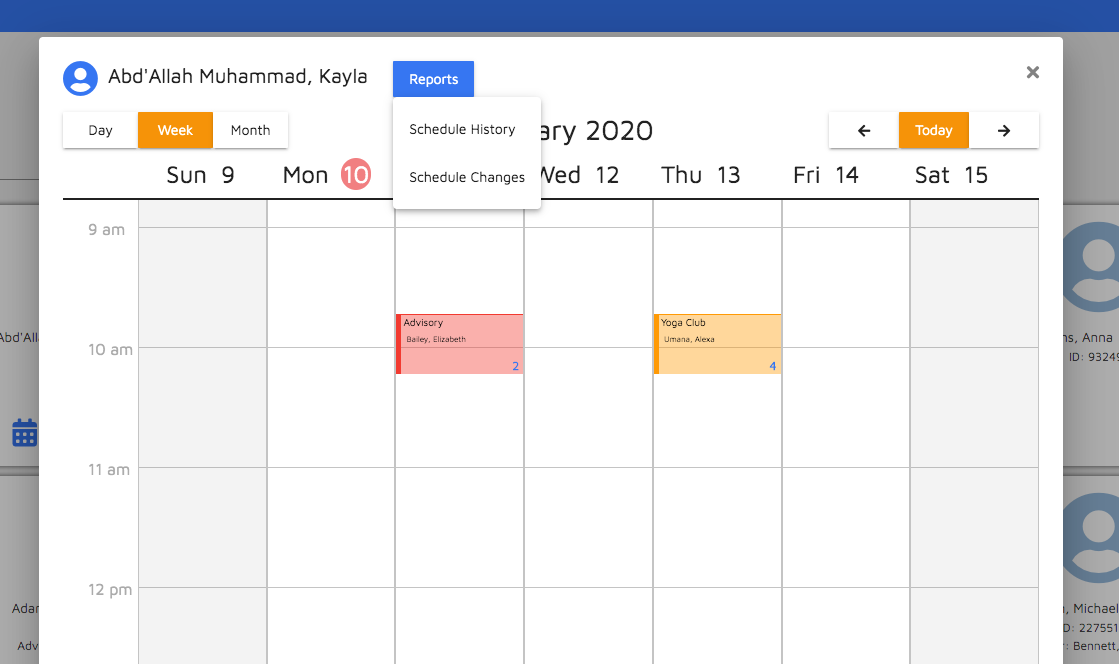
4. Click the Reports link at the top of the calendar screen.
Report Descriptions
Attendance Reports
- Today's Attendance - Report of today's attendance for all students. Admins can filter by date, and view MyFlexLearning and SIS attendance.
- Student Engagement - Report of engagement ratings for all students. Admins can filter by date.
- Teacher Attendance - Report of whether teachers have taken attendance or not. Admins can filter by date and Flex Period (if multiple periods exist)
Class Reports
- Teacher Class List - Report of a teacher's class roster by date.
- Course Offerings - A CSV export of all classes on a certain day
- Class Enrollment Summary - a CSV export of all classes, teachers and enrollment totals for a date range
- Schedule summary - A CSV export of totals of enrollment in different classes
Student Reports
- Student Schedule History - Report of a student's schedule history.
- Unscheduled Students - Report of all students who are not scheduled into a flex class for a specific date and period.
- Students in Default Classes - For Schools who default students into a class during Flex Block, a report of all students who remained in their default flex class.
Room Reports
- Room Usage - Report by day of the status of Rooms during your flex block. Allows you to run for just rooms that are open (unscheduled) or double booked.
- Room Bookings - A CSV export of ever class scheduled into a room during a date range
Most MyFlexLearning reports can be viewed and downloaded as a PDF or a CSV. (Some reports only run as CSV based on the large set of data on the report)
Here is a video of this functionality:
Comments
0 comments
Article is closed for comments.