
This article demonstrates how to view and use the "Class Usage" Report
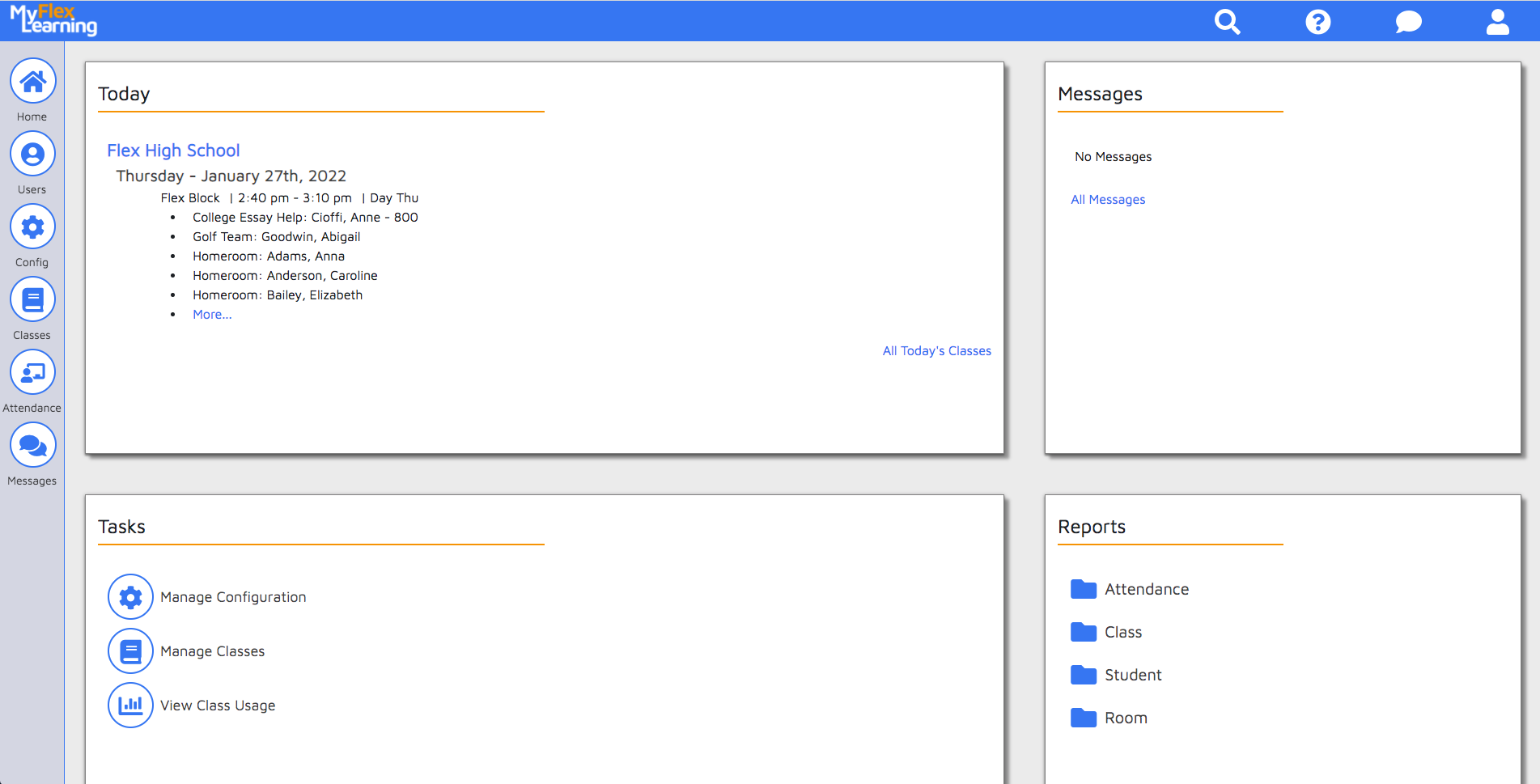
On the Homepage, click on the "View Class Usage" link.
This chart will present a summary of the types of classes you student's have attended during their Flex Block:
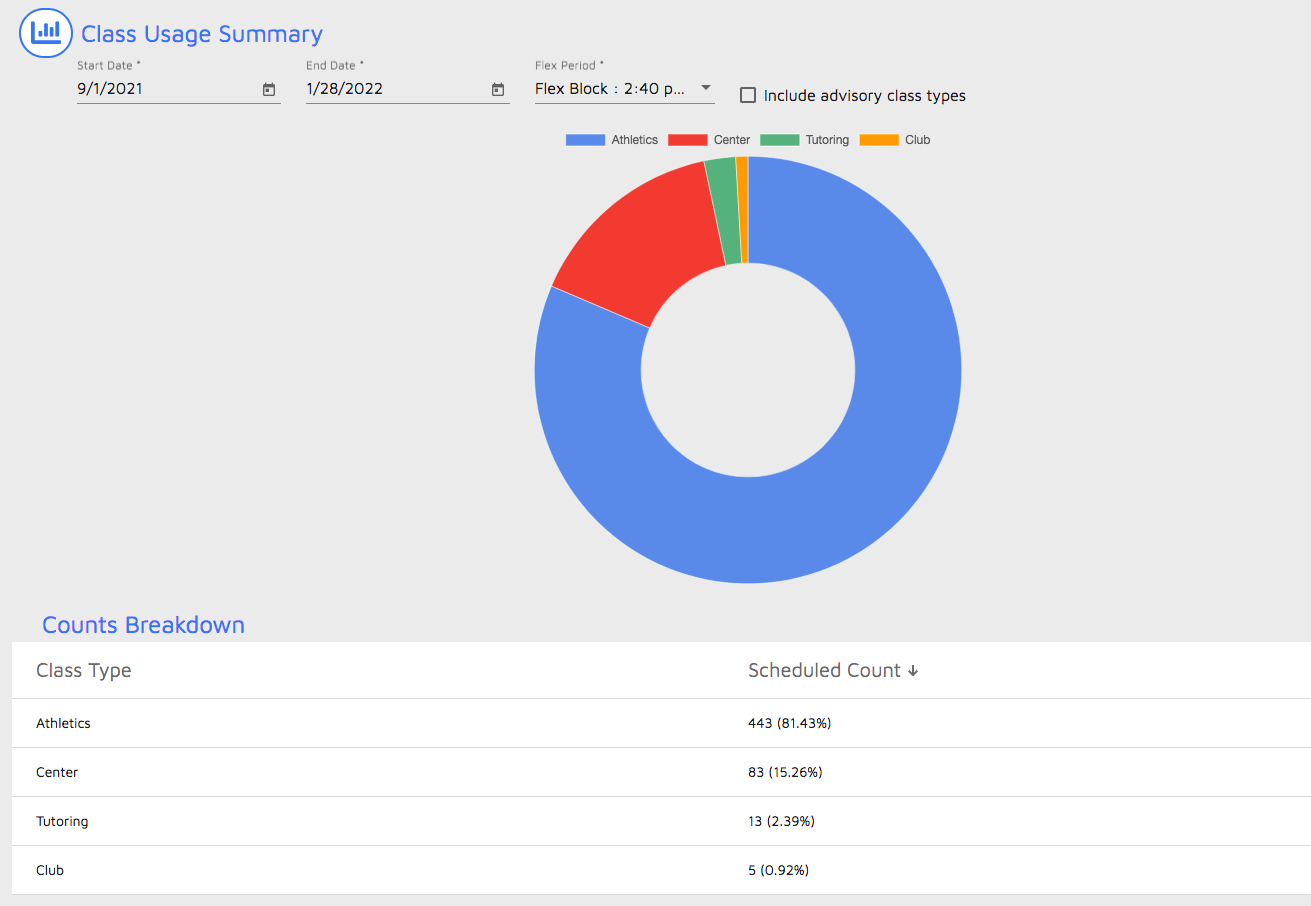
- Start Date and End Date: Set the date range you wish to view
- Flex Period: If you have more than one Flex Period you can switch between them
- Include Advisory class type: If your school uses an "Advisory" class type and you wish to exclude those types from the chart, uncheck this box.
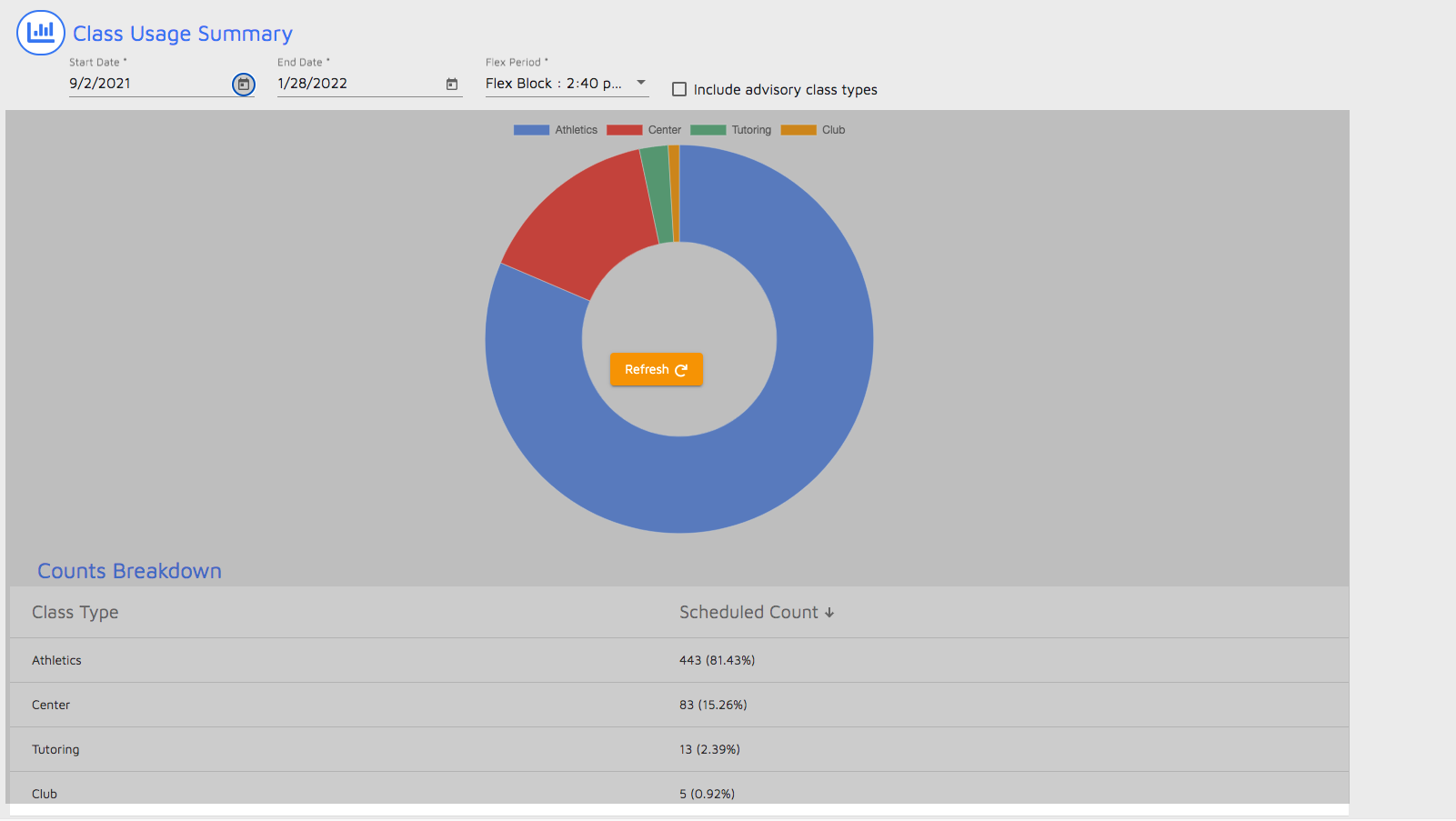
If you make changes to these options, the chart will ask you to "Refresh" the chart:
Comments
0 comments
Article is closed for comments.